
 AI
Proof
Pricing
Book a demo
Scan your code free
AI
Proof
Pricing
Book a demo
Scan your code free
AI
Proof
Pricing
Book a demo
Scan your code free
AI
Proof
Pricing
Book a demo
Scan your code free
Hard sources — not covered by free tools
Also parsed — certify what free tools miss
Runtimes
After migration
Parser-driven modernization of .dtsx packages and .ispac projects — data flow, control flow, SSIS expressions, and connection managers. Full lineage, automated conversion, validated parity.
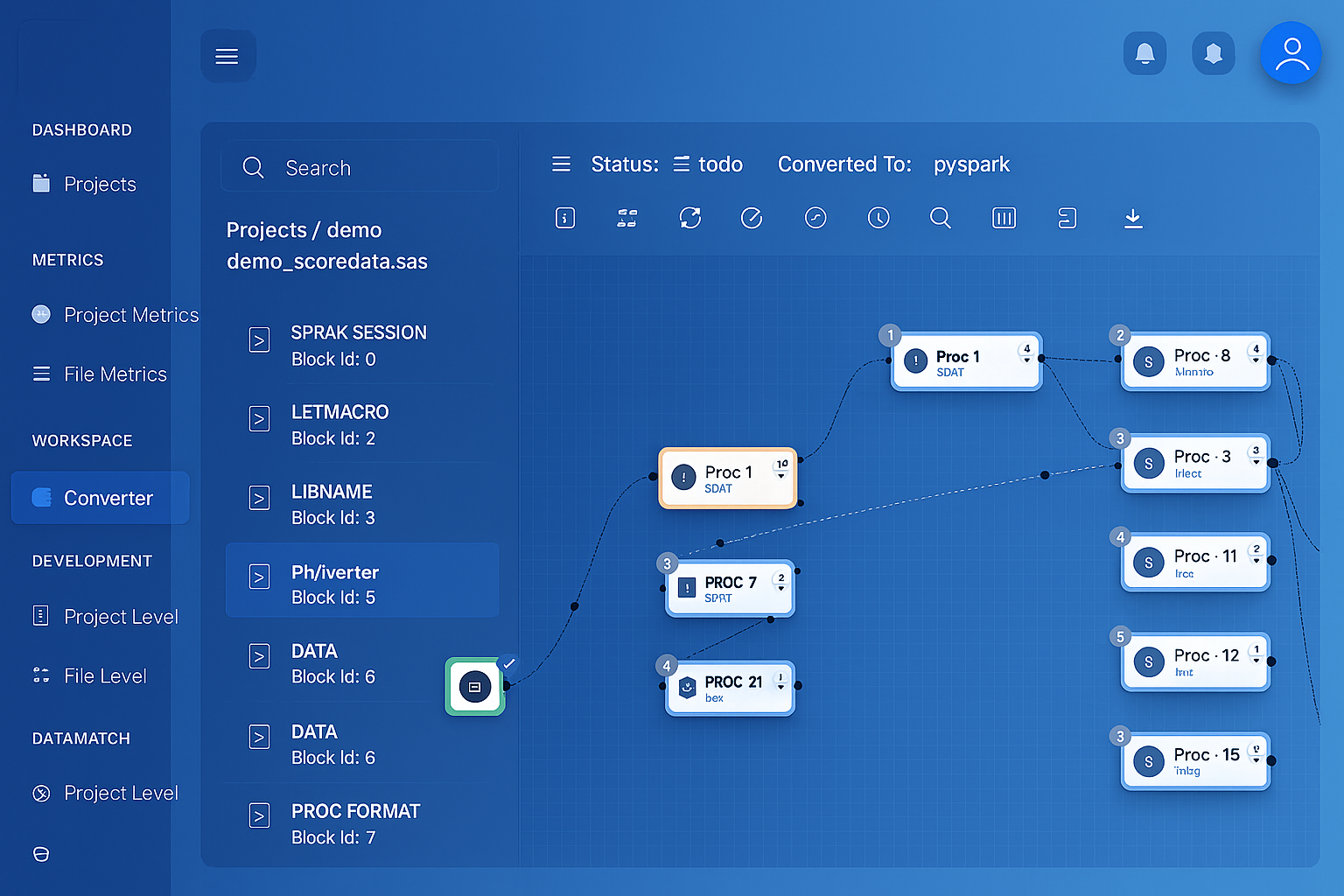 SSIS package parsed into interactive lineage graph
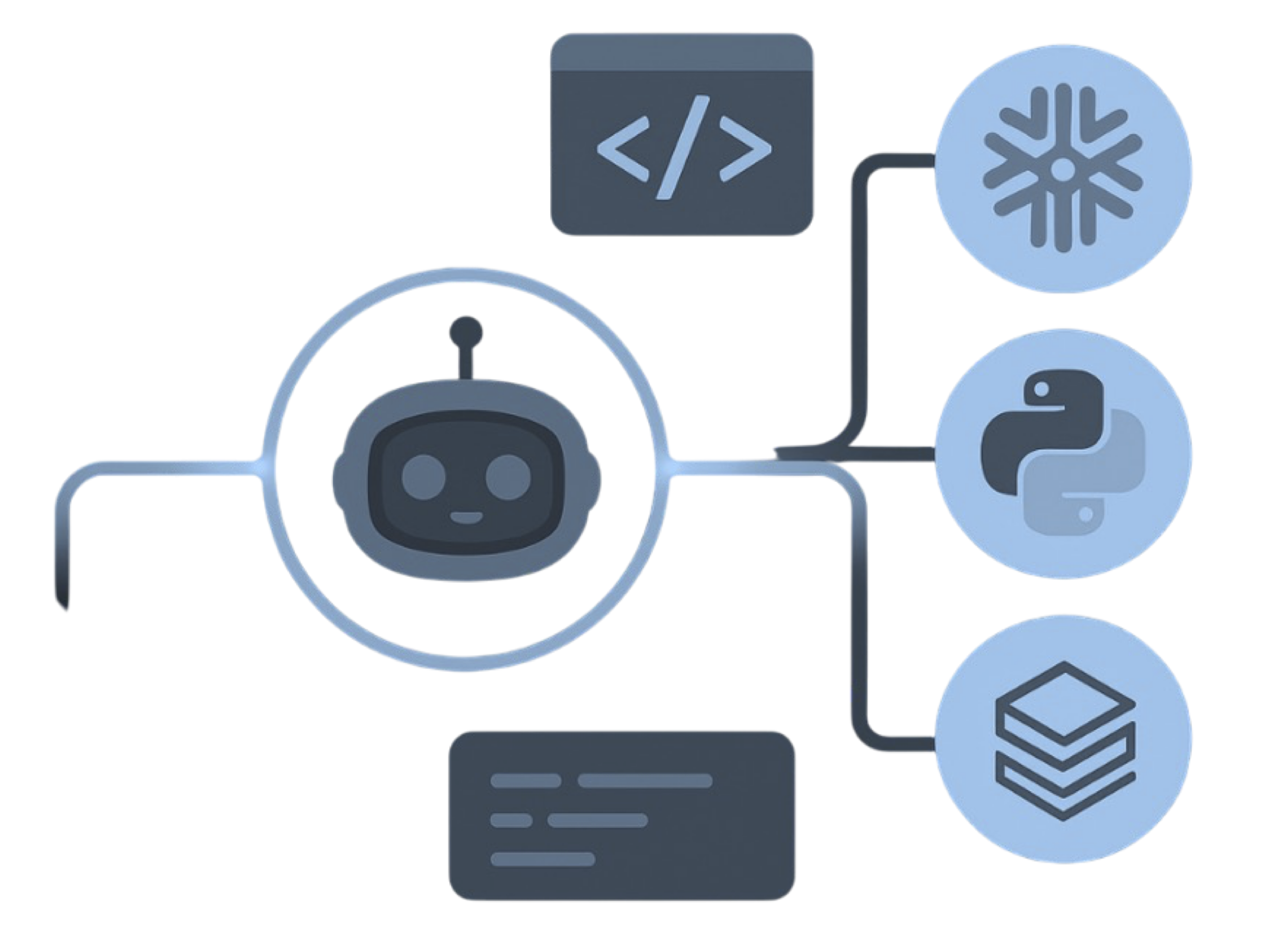
One source, every target. Deterministic parsers read the estate and emit native code for the platform you pick — not .dtsx packages lifted into a managed SSIS runtime.
SSIS estate → MigryX parser → native platforms
 SSISData flow.dtsxControl flowTasks + precedenceExpressionsSSIS syntax
 Conn. managers.ispac projectsMigryX Parser
 Deterministic parseAI where it helps
 Lineage / STTMBefore cutoverdtsx graphPipeline rewrite
 Expression mapNative SQL
The parser is deterministic: the same input produces the same output on every run. Every output is validated against the original, row by row, before go-live.
A package runs on the machine that hosts it. Going wider requires SSIS Scale Out or lifting packages into an Azure-SSIS integration runtime, which is paying to keep the old execution model rather than leaving it.
Script Tasks and Script Components hold C# or VB.NET that never appears in the data flow. Reviewers see a box on a canvas, so these become the least understood and highest-risk parts of the estate.
Package configurations, project parameters, environment variables, SSISDB environments and SQL Agent job steps each hold part of the truth. Reconstructing how a package actually ran in production is its own investigation.
The SCD wizard emits a fixed subtree of lookups, conditional splits, derived columns and OLE DB commands. It is verbose, it is generated, and nobody edits it by hand, which is exactly why rewriting it manually is slow and error-prone.
-- Package: DimCustomer.dtsx
-- Slowly Changing Dimension: Type 2, historical attributes

OLE DB Source        : STG_CUSTOMER
Slowly Changing Dim  : DimCustomer
  Business key       : CustomerNK
  Historical attrs   : City, Segment
  Fixed attrs        : BirthDate
  Row start col      : EffectiveFrom
  Row end col        : EffectiveTo
  Current flag       : IsCurrent

-- Wizard-generated outputs:
  "New Output"                → OLE DB Destination  (insert)
  "Historical Attribute Out"  → Derived Column
                                 (set EffectiveTo = GETDATE(),
                                  IsCurrent = 0)
                              → OLE DB Command (expire row)
                              → Union All → insert new version
  "Fixed Attribute Output"    → failure path
-- SCD Type 2 → expire then insert
-- 1. expire versions whose tracked attributes changed
UPDATE dim_customer t
   SET effective_to = CURRENT_TIMESTAMP(),
       is_current   = FALSE
FROM   stg_customer s
WHERE  t.customer_nk = s.customer_nk
  AND  t.is_current  = TRUE
  AND (t.city <> s.city OR t.segment <> s.segment);

-- 2. insert the new current version
INSERT INTO dim_customer
  (customer_nk, city, segment, birth_date,
   effective_from, effective_to, is_current)
SELECT s.customer_nk, s.city, s.segment, s.birth_date,
       CURRENT_TIMESTAMP(), NULL, TRUE
FROM   stg_customer s
LEFT JOIN dim_customer t
       ON t.customer_nk = s.customer_nk
      AND t.is_current  = TRUE
WHERE  t.customer_nk IS NULL
   OR  t.city <> s.city
   OR  t.segment <> s.segment;
A dozen generated components collapse into two set-based statements. Type 2 history, the current flag and the effective dating are preserved, and the row-by-row OLE DB Command that expired versions one at a time is gone.
Every SSIS component in your packages maps to a defined target equivalent, recorded in the lineage report.
| SSIS Component | Target Equivalent | Notes |
|---|---|---|
| OLE DB / ADO NET Source | Table read | Connection managers mapped to target connectors |
| Flat File / Excel Source | File read | Delimiters, code page and header rows |
| Derived Column | Projected columns and expressions | SSIS expression language parsed |
| Conditional Split | Branch outputs | Ordered conditions and default output |
| Lookup | Left join | Full, partial and no-cache modes |
| Merge Join / Union All | .join() / .union() | Sorted-input requirement removed |
| Aggregate / Sort | .groupBy().agg(), order by | Group keys and aggregate operations |
| Slowly Changing Dimension | MERGE or expire-and-insert | Type 1, 2 and fixed attributes |
| OLE DB Destination | Table write | Fast-load and batch settings mapped |
| Execute SQL Task | Parameterized SQL step | Result set bindings preserved |
| For Each Loop container | Dynamic task mapping or loop | File, ADO and item enumerators |
| Sequence container | Task group | Execution order and transaction scope |
| Script Task / Component | Extracted code with review report | C# and VB.NET reported, not silently converted |
| Event handlers | Failure and alert branches | OnError and OnTaskFailed paths kept |
| SQL Agent job step | Scheduler entry | Schedules and dtexec parameters mapped |
MigryX Data Matching compares SSIS package output against the new pipeline output, row by row and column by column, with configurable tolerance rules and mismatch drill-down.
See how Data Matching works →Either works. Loose .dtsx files are fine, and an .ispac project archive is better because it includes project parameters and connection managers. Where packages are deployed to SSISDB, the catalog also supplies the environment values they ran with.
Embedded C# and VB.NET is extracted and delivered with a per-task review report rather than machine-translated. These scripts routinely call external assemblies or depend on server state, so silent conversion would hide the risk instead of surfacing it.
Straightforward precedence constraints, containers and loops map cleanly onto orchestrator tasks. Deeply nested or expression-driven control flow is reported for review, since the intent there is often encoded in runtime behaviour rather than in the package structure.
The SSIS expression language is parsed rather than pattern-matched, so derived columns, property expressions and variable references are resolved to target expressions with their type-cast behaviour preserved.
 DatabricksPySpark + Delta
 SnowflakeSQL + Snowpark
 Google CloudBigQuery + Composer