
 AI
Proof
Pricing
Book a demo
Scan your code free
AI
Proof
Pricing
Book a demo
Scan your code free
AI
Proof
Pricing
Book a demo
Scan your code free
AI
Proof
Pricing
Book a demo
Scan your code free
Hard sources — not covered by free tools
Also parsed — certify what free tools miss
Runtimes
After migration
Not covered by Lakebridge, Cortex conversion, or BigQuery Migration Service. Targets delivered: Databricks, Snowflake, BigQuery.
Parser-driven modernization of Designer workflows (.yxmd), batch macros (.yxmc), and Server packages (.yxzp). Full lineage, automated conversion, validated parity.
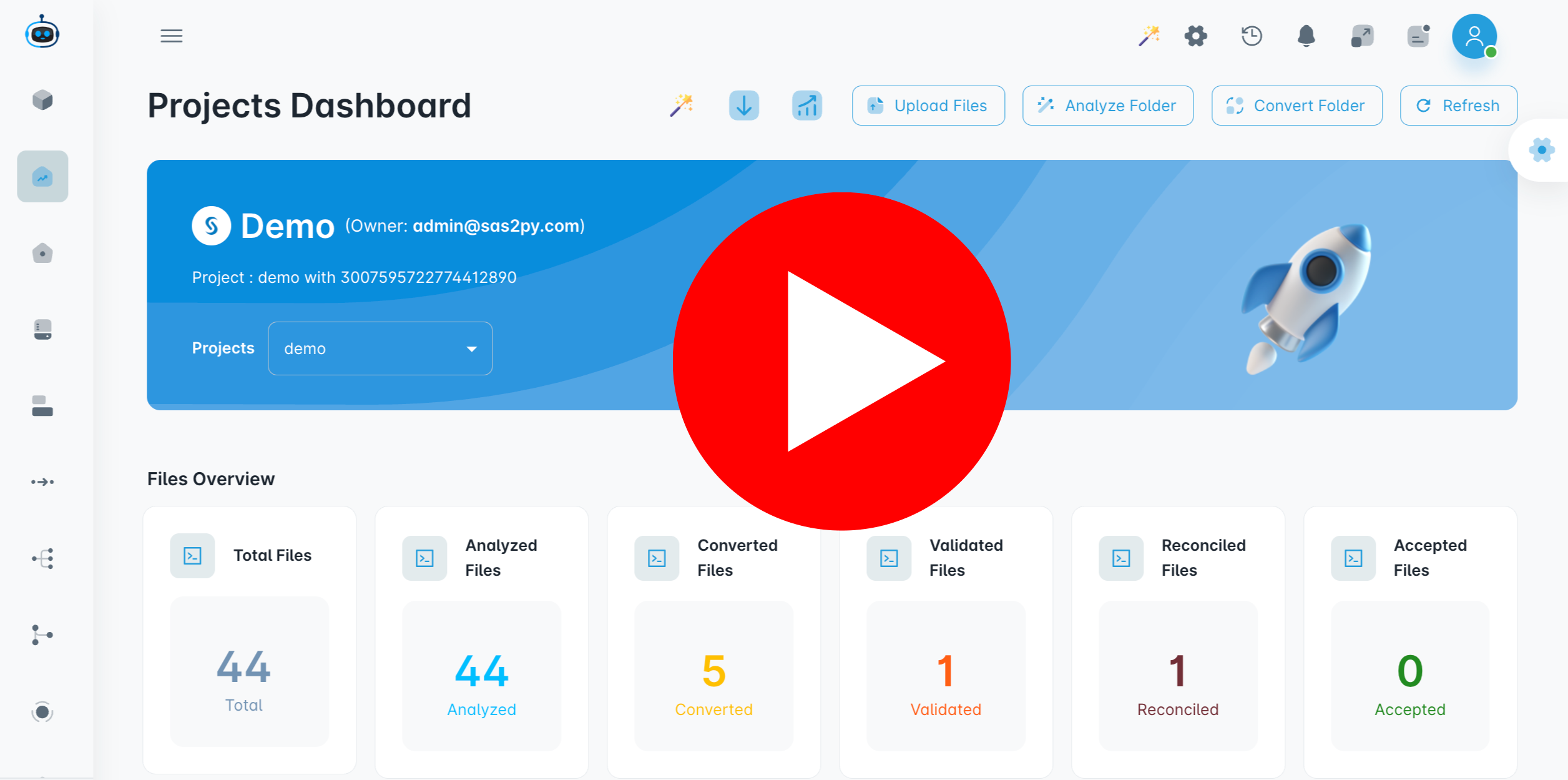 Alteryx workflow parsed into interactive lineage graph
One source, every target. Deterministic parsers read the estate and emit native code for the platform you pick — not Designer workflows wrapped in a new scheduler.
Alteryx estate → MigryX parser → native platforms
 AlteryxDesigner.yxmd / .yxmcServer / Gallery.yxzp packagesBatch macrosIn-DB tools
 R / Python toolsEmbedded runtimesMigryX Parser
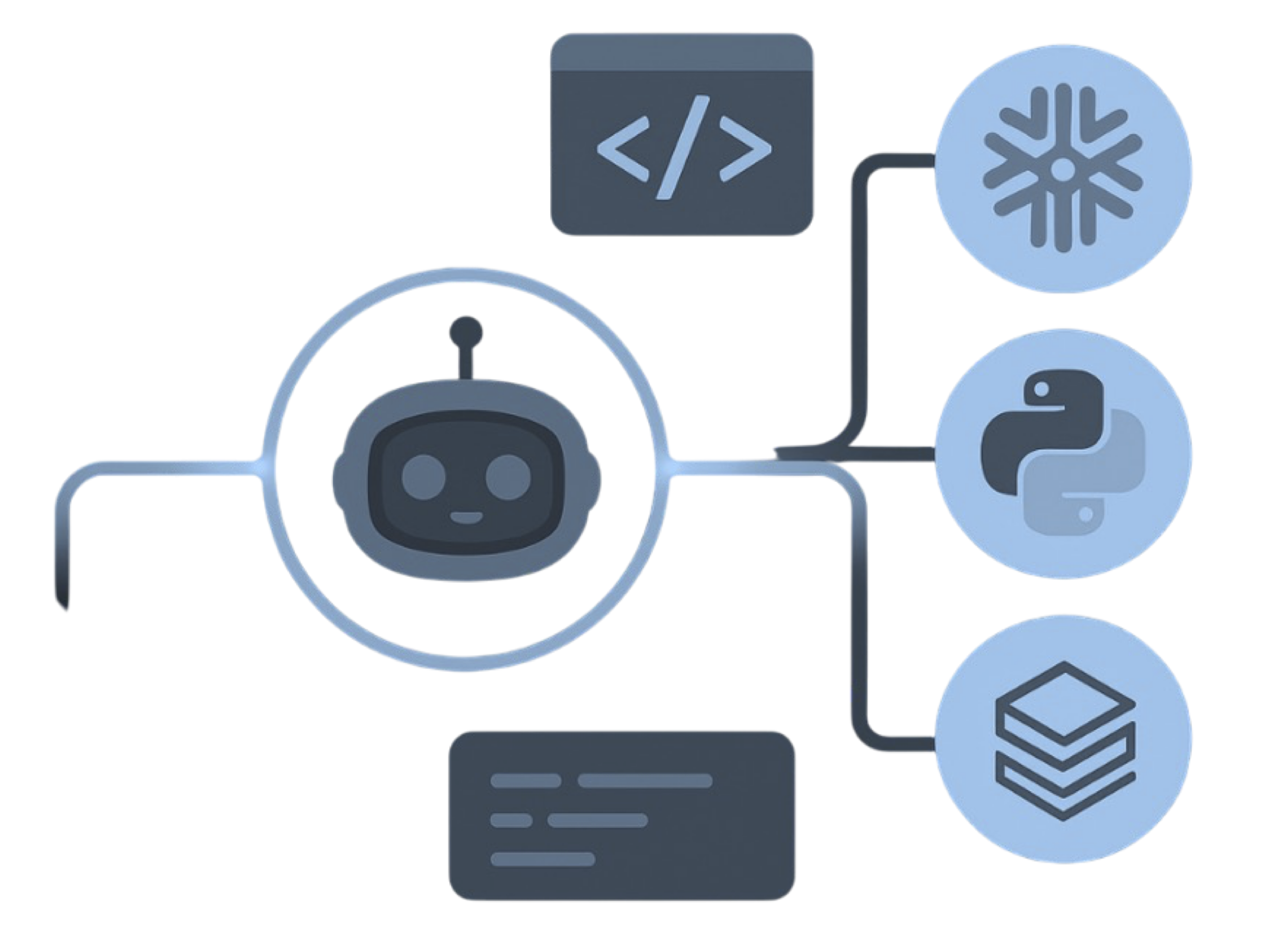 Deterministic parseAI where it helps
 Lineage / STTMBefore cutoverTool map250+ tool typesMacro expandBatch / iterative
The parser is deterministic: the same input produces the same output on every run. Every output is validated against the original, row by row, before go-live.
Workflows live on individual machines. Sharing them means a Gallery, not a platform the rest of the data estate can run.
Alteryx has no native distributed compute. When a dataset outgrows the machine, the workaround is file chunking or pushing to In-DB tools — not real parallelism.
Gallery publishing, scheduler tuning, worker node sizing, and credential rotation all grow with workflow count. None of it is analytics work.
A batch macro driven by a Control Parameter iterating over regions. This is where copy-paste rewrites break down, because the macro body has no standalone equivalent. MigryX expands the structure and generates the parameterized form.
-- Batch Macro: Process_Region.yxmc
-- Control Parameter: REGION_CODE
-- Tools: Filter → Formula → Summarize → Output

Control Parameter: REGION_CODE
Macro Input:   SALES_TRANSACTIONS
Filter:        [Region] = [#1:REGION_CODE]
Formula:       [Margin] = [Revenue] - [Cost]
Summarize:     GroupBy [Product]
               Sum   [Margin] → [Total_Margin]
               Count        → [Txn_Count]
Output:        REGION_SUMMARY_[#1:REGION_CODE]
# Batch macro → parameterized function
import pandas as pd

def process_region(df: pd.DataFrame, region_code: str) -> pd.DataFrame:
    """Expanded from Process_Region.yxmc"""
    filtered = df[df["region"] == region_code].copy()
    filtered["margin"] = filtered["revenue"] - filtered["cost"]

    return (
        filtered.groupby("product")
        .agg(total_margin=("margin", "sum"),
             txn_count=("margin", "count"))
        .reset_index()
    )

# Replaces the batch macro runner
results = pd.concat(
    [process_region(df, r) for r in df["region"].unique()],
    ignore_index=True
)
The control parameter becomes a function argument. The Filter/Formula/Summarize chain becomes pandas operations. Iteration is explicit and debuggable instead of hidden in the macro runner.
Every Alteryx tool used in your workflows maps to a defined target equivalent, recorded in the lineage report.
| Alteryx Component | Target Equivalent | Notes |
|---|---|---|
| Input Data tool | pd.read_csv() / spark.read | File type detected, connection strings mapped |
| Select tool | Column rename and type cast | dtype mapping preserved |
| Filter tool | df[condition] / .filter() | Compound filter expressions parsed |
| Formula tool | df["col"] = expression | Alteryx function library mapped |
| Multi-Row Formula | .shift() and window functions | Row offset and running state preserved |
| Join tool | pd.merge() / .join() | Inner, left, right and full outer |
| Union tool | pd.concat() / .union() | Auto-config by name or position |
| Summarize tool | .groupby().agg() | Aggregate functions and group keys |
| Sort tool | .sort_values() / .orderBy() | Multi-key, ascending and descending |
| Batch Macro (.yxmc) | Parameterized function | Control parameters become arguments |
| Tool Container | Code section or module | Disabled containers are skipped |
| In-DB tools | Native SQL or DataFrame ops | Push-down SQL preserved |
MigryX Data Matching compares Alteryx output against the new pipeline output, row by row and column by column, with configurable tolerance rules and mismatch drill-down.
See how Data Matching works →Designer workflows (.yxmd), macros (.yxmc and .yxi), and Server packages (.yxzp). A .yxzp is ideal because it bundles the workflow with its dependencies. Parsing reads the files directly; it does not need a live Alteryx Server connection.
Batch macros become parameterized functions, with the Control Parameter as an argument and the macro runner replaced by explicit iteration. Iterative macros become loops with the stopping condition made explicit, which is usually where hidden logic surfaces.
Yes. In-DB tools already push SQL to the source, so that SQL is translated to the target dialect rather than rebuilt as DataFrame code. Mixed workflows convert to a combination of pushed-down SQL and pipeline code.
Yes. Conversion is per workflow, so you can move a subset, validate it to parity, and run both side by side until you are ready to decommission Alteryx Server.
 DatabricksPySpark + Delta
 SnowflakeSQL + Snowpark
 Google CloudBigQuery + Composer