
 AI
Proof
Pricing
Book a demo
Scan your code free
AI
Proof
Pricing
Book a demo
Scan your code free
AI
Proof
Pricing
Book a demo
Scan your code free
AI
Proof
Pricing
Book a demo
Scan your code free
Hard sources — not covered by free tools
Also parsed — certify what free tools miss
Runtimes
After migration
Lakebridge may claim DataStage. We still lead on a deterministic parser and audit-grade matching. Targets delivered: Databricks, Snowflake, BigQuery.
Parser-driven modernization of DSX and ISX exports — parallel jobs, server jobs, job sequences, shared containers, and parameter sets. Full lineage, automated conversion, validated parity.
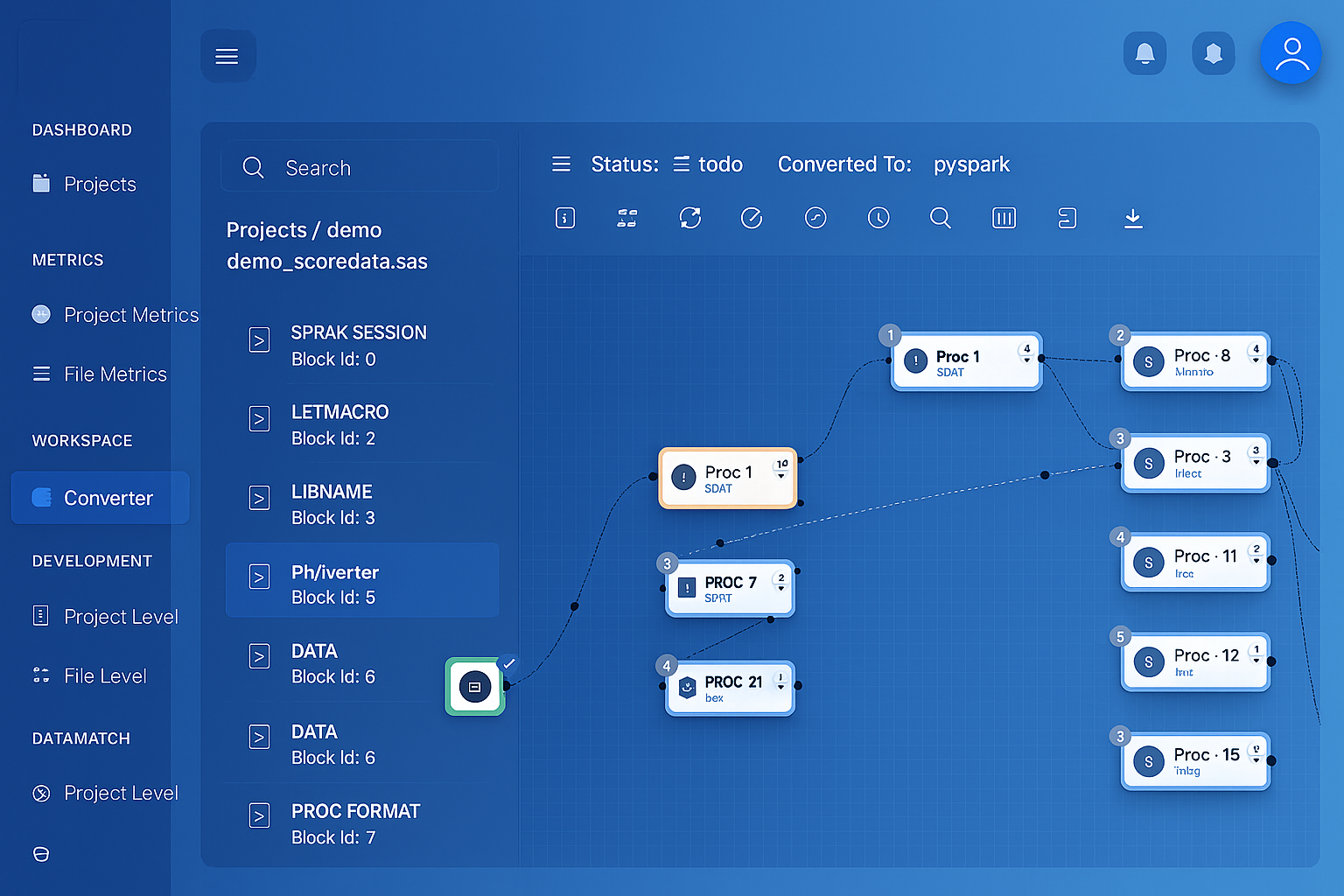 DataStage job parsed into interactive lineage graph
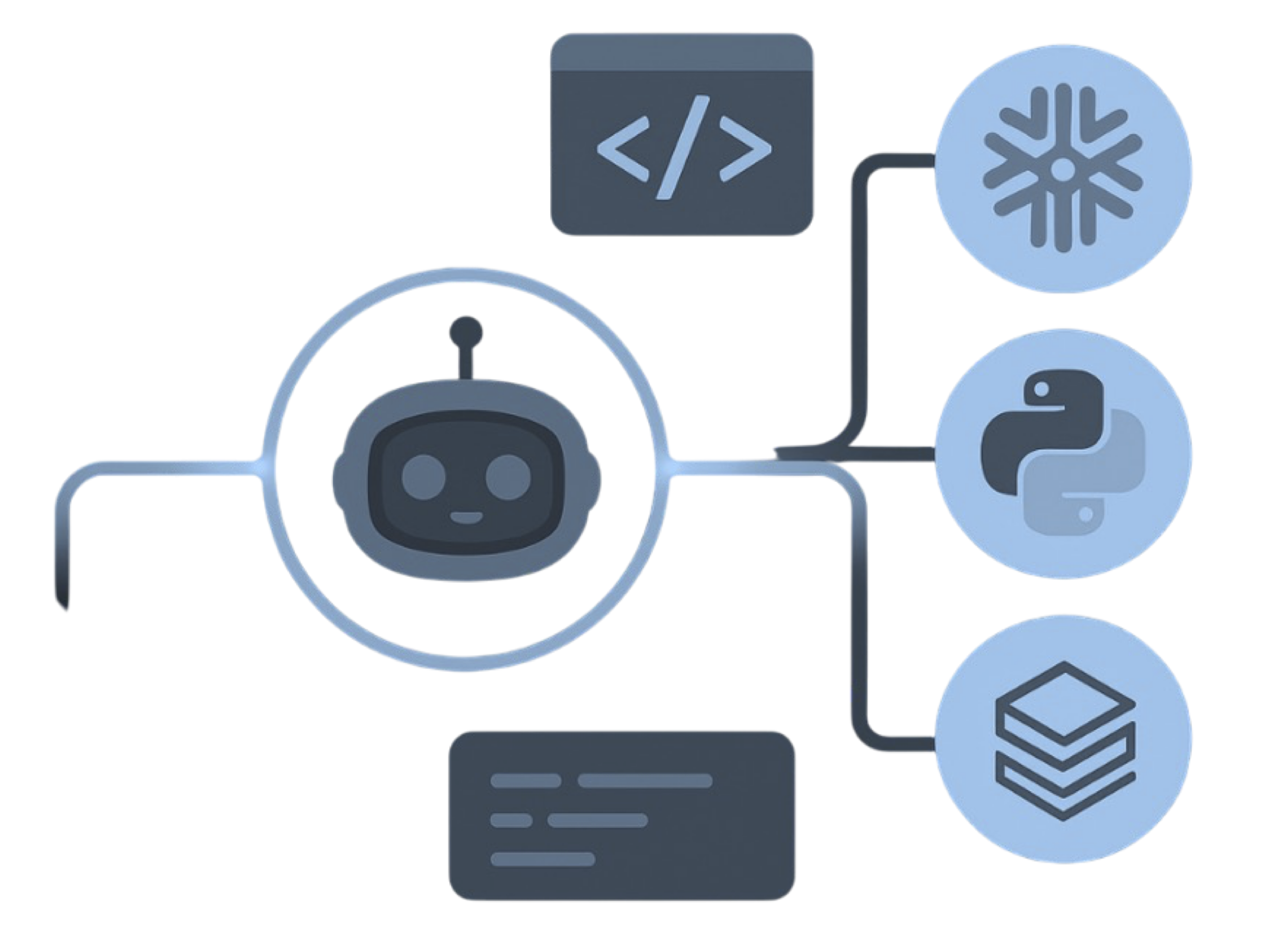
One source, every target. Deterministic parsers read the estate and emit native code for the platform you pick — not DataStage jobs re-pointed at a cloud database.
IBM DataStage estate → MigryX parser → native platforms
 IBM DataStageParallel jobs.dsx / .isxSequencesIPC + loopsShared containersReusable stagesParameter setsJob variablesMigryX Parser
 Deterministic parseAI where it helps
 Lineage / STTMBefore cutover
 .dsx graphStage lineage
 Sequence DAGsControl flow
The parser is deterministic: the same input produces the same output on every run. Every output is validated against the original, row by row, before go-live.
Node counts, partitioning strategy and buffer tuning are set through APT_CONFIG_FILE and stage properties. Getting a job to run well is specialist work, and that knowledge rarely survives the person who did it.
A services tier, an XMETA repository and an engine tier all need patching, certificates and version alignment. The platform footprint is substantial before any data has moved.
DSX and ISX files are what you can actually take elsewhere, and reading them is not something a DataStage developer does by hand. Without parsing them, an inventory is guesswork.
Stage variables evaluated in order for every row, holding running totals and remembering the previous key. This is the DataStage construct that most resists a hand rewrite, because the logic depends on row order and on values from the row before.
-- Parallel job: CALC_ACCOUNT_RUNNING
-- Stage: Transformer_3   Input sorted by ACCT_ID, TXN_DATE

Stage variables (evaluated top to bottom, per row):
  svIsNewAcct  = IF In.ACCT_ID <> svPrevAcct
                 THEN 1 ELSE 0
  svRunTotal   = IF svIsNewAcct = 1
                 THEN In.AMOUNT
                 ELSE svRunTotal + In.AMOUNT
  svSeq        = IF svIsNewAcct = 1
                 THEN 1 ELSE svSeq + 1
  svPrevAcct   = In.ACCT_ID

Output columns:
  ACCT_ID       = In.ACCT_ID
  TXN_DATE      = In.TXN_DATE
  RUNNING_TOTAL = svRunTotal
  TXN_SEQ       = svSeq

Constraint: svRunTotal > 0
# Stage variables → window functions
from pyspark.sql import Window
from pyspark.sql import functions as F

w = (Window.partitionBy("acct_id")
            .orderBy("txn_date"))

result = (
    df
    # svRunTotal: reset per account, ordered by date
    .withColumn("running_total",
        F.sum("amount").over(
            w.rowsBetween(Window.unboundedPreceding, 0)))
    # svSeq: position within the account
    .withColumn("txn_seq", F.row_number().over(w))
    .select("acct_id", "txn_date",
            "running_total", "txn_seq")
    # Transformer constraint
    .filter(F.col("running_total") > 0)
)
The new-key test and the previous-value variable disappear because partitioning expresses them directly. The running total and sequence become window functions, so correctness no longer depends on the input happening to arrive sorted.
Every DataStage stage in your jobs maps to a defined target equivalent, recorded in the lineage report.
| DataStage Component | Target Equivalent | Notes |
|---|---|---|
| Transformer stage | Derived columns and expressions | Stage variables become window functions |
| Lookup stage | Left join | Sparse and normal lookup handled differently |
| Join / Merge stage | .join() | Join keys and link order preserved |
| Aggregator stage | .groupBy().agg() | Grouping keys and aggregate methods |
| Sort / Remove Duplicates | .orderBy(), dedupe | Sort keys and retain-first behaviour |
| Filter / Switch stage | .filter() and branches | Constraints and reject links preserved |
| Copy / Modify stage | Projection and rename | Column drops and type changes |
| Funnel stage | .union() | Continuous, sort and sequence funnel modes |
| Pivot / Column Import | Pivot, unpivot, split | Multiple-occurring columns expanded |
| Sequential File / Dataset | File read and write | Fixed-width and delimited formats |
| Connector / ODBC stage | Table read and write | Write mode mapped to insert or upsert |
| Job sequence | Orchestrated DAG | Triggers, restartability and loop activities |
| Shared / local container | Reusable module | Shared containers emitted once |
| Parameter set | Parameters and environment config | Value files kept per environment |
MigryX Data Matching compares DataStage job output against the new pipeline output, row by row and column by column, with configurable tolerance rules and mismatch drill-down.
See how Data Matching works →Either. A DSX export from Designer is the most common input, and ISX interchange files are also read. Including the shared containers and parameter sets that jobs depend on matters more than which of the two formats you choose.
Yes. Parallel jobs carry partitioning and stage-variable semantics that map naturally onto window functions and distributed DataFrames. Server jobs are row-oriented and usually convert into simpler set-based logic, which often reveals redundant staging.
They are analysed in evaluation order and rewritten as window functions where the intent is running state, ranking, or previous-row comparison. Where a stage variable does something a window cannot express, it is flagged for review rather than approximated.
Not for parsing or conversion, which work from the exported files. You will want the existing environment available while validating, since parity testing compares the converted output against what DataStage currently produces.
 SnowflakeSQL + Snowpark
 Google CloudBigQuery + Composer