 Plan your migration →
Plan your migration →
Plan your migration →
Parser-driven modernization of Qlik Sense .qvf apps, QlikView .qvw documents, and .qvs includes — LOAD/RESIDENT/JOIN, ApplyMap, QVD stores, and Section Access. Full lineage, automated conversion, validated parity.
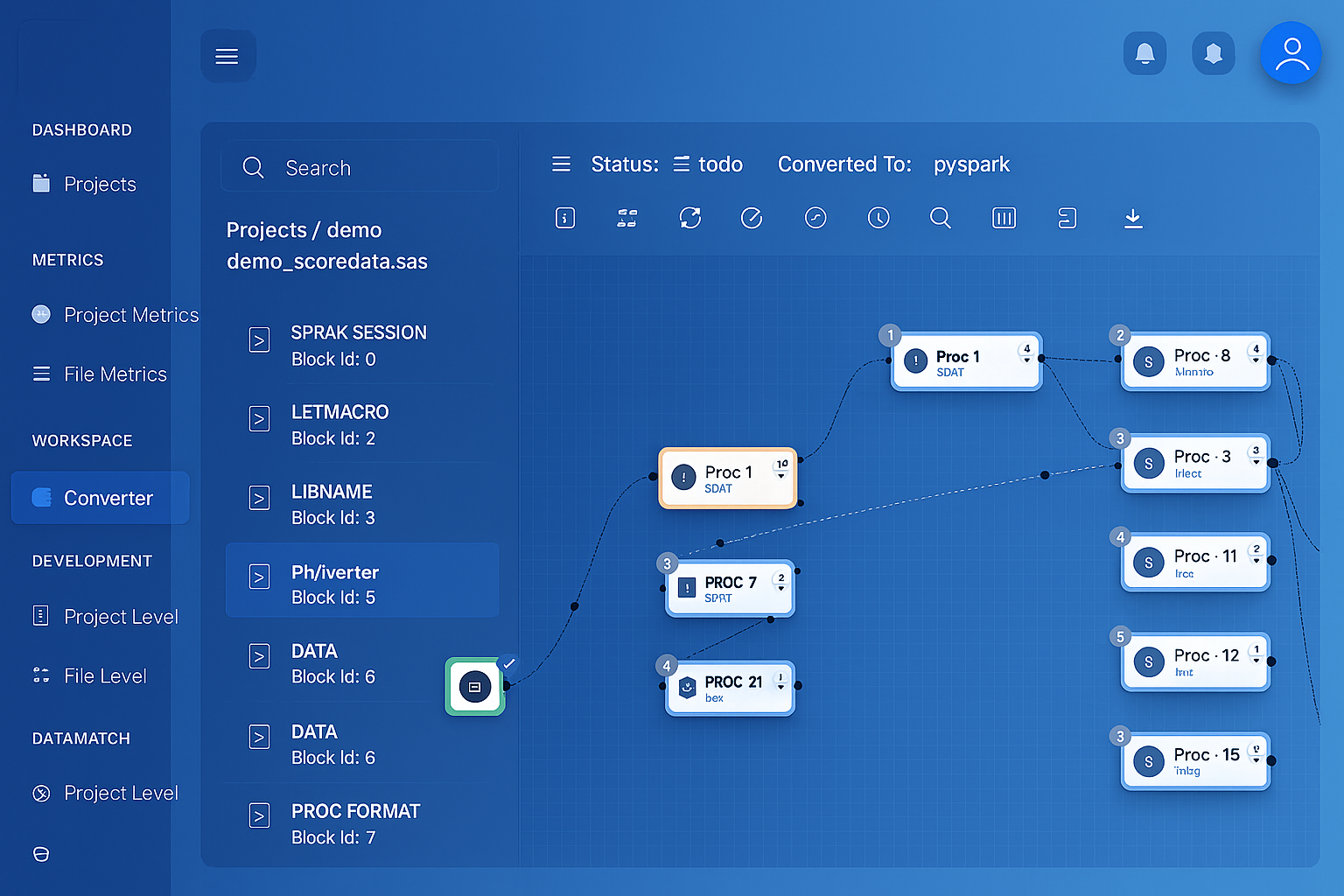 Qlik load script parsed into interactive lineage graph
One source, every target. Deterministic parsers read the estate and emit native code for the platform you pick — not Qlik apps re-pointed at a cloud warehouse.
Qlik estate → MigryX parser → native platforms
 QlikSense apps.qvf / .qvwLoad script.qvs includesApplyMapLookup + joinQVD storeIntermediate filesMigryX Parser
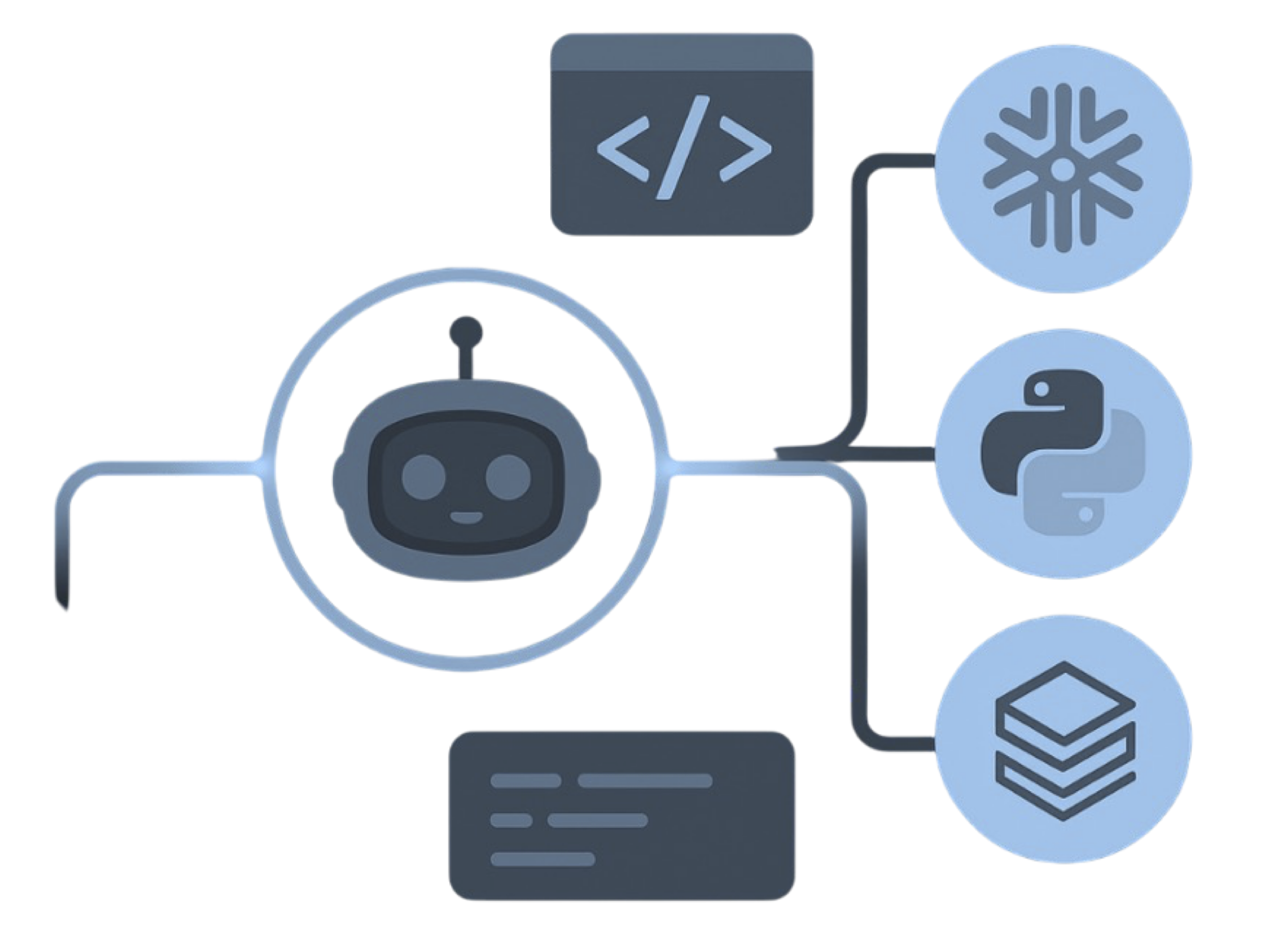 Deterministic parseAI optional
 Lineage / STTMBefore cutoverScript graphRESIDENT + JOIN
 Var bindSET / LET rewrite
The parser is deterministic: the same input produces the same output on every run. Every output is validated against the original, row by row, before go-live.
A .qvf or .qvw is not a reviewable pipeline. The load script, variables, and QVD paths sit inside the app. That coupling is what makes estates hard to review, test, or port when the target is Databricks, Snowflake, or BigQuery.
STORE ... INTO *.qvd is how Qlik stages data between apps. Those files do not travel to a lakehouse. Parsing the STORE and LOAD statements is how the intermediate layer becomes Delta, Iceberg, or warehouse tables instead of another QVD tree.
QlikView estates are on a long sunset path toward Sense or Qlik Cloud. Teams that already picked a warehouse do not need another Qlik runtime just to keep last year's load script alive.
A single load script doing a mapping load, a derived margin, a left join for the customer name, and a QVD store. Everything meaningful about the pipeline is inside the script, which is why exporting the app is not the same as understanding it.
// App: LOAD_ORDER_FACT   Script: Main
SET vMarginFloor = 0;

Customers:
MAPPING LOAD
    CUST_ID,
    TIER_CODE
FROM [lib://QVD/customer.qvd] (qvd);

Orders:
LOAD
    ORDER_ID,
    CUST_ID,
    REVENUE,
    COST,
    REVENUE - COST as MARGIN,
    ApplyMap('Customers', CUST_ID, 'UNKNOWN') as TIER
FROM [lib://QVD/orders.qvd] (qvd)
WHERE REVENUE - COST >= $(vMarginFloor);

LEFT JOIN (Orders)
LOAD
    CUST_ID,
    FIRST_NM & ' ' & LAST_NM as FULL_NAME
FROM [lib://QVD/customer_dim.qvd] (qvd);

STORE Orders INTO [lib://QVD/order_fact.qvd] (qvd);
# ApplyMap + JOIN + STORE → DataFrames
from pyspark.sql import functions as F

customers = spark.read.table("customer")
orders = spark.read.table("orders")

enriched = (
    orders
    .join(customers.select("cust_id", "tier_code"),
          "cust_id", "left")
    .withColumn("margin", F.col("revenue") - F.col("cost"))
    .withColumn("tier",
        F.coalesce("tier_code", F.lit("UNKNOWN")))
    .filter(F.col("margin") >= 0)
)

dims = spark.read.table("customer_dim").select(
    "cust_id",
    F.concat_ws(" ", "first_nm", "last_nm")
     .alias("full_name"),
)

out_valid = enriched.join(dims, "cust_id", "left") \
    .select("order_id", "full_name", "margin", "tier")

out_valid.write.format("delta").mode("overwrite") \
    .saveAsTable("order_fact")
MAPPING + ApplyMap becomes a left join with coalesce. SET variables become parameters. STORE to QVD becomes a Delta write instead of another proprietary file.
Every Qlik load-script construct in your apps maps to a defined target equivalent, recorded in the lineage report.
| Qlik Construct | Target Equivalent | Notes |
|---|---|---|
| LOAD ... FROM | Table / file read | Lib connects and file formats mapped |
| RESIDENT | DataFrame reuse / CTE | In-memory table references preserved |
| JOIN / LEFT JOIN / INNER | .join() / SQL JOIN | Join keys and target table kept |
| CONCATENATE | unionByName / UNION ALL | Column alignment reported |
| MAPPING + ApplyMap | Lookup join + coalesce | Default values become explicit |
| Peek / Previous | Window lag / lead | Row-to-row script logic set-based |
| IntervalMatch | Range join | From/to keys preserved |
| Crosstable / Generic LOAD | Unpivot / pivot | Attribute-value reshapes kept |
| STORE ... INTO .qvd | Table / Delta write | QVD layer replaced, not rehosted |
| $(Include=) / .qvs | Imported module | Shared script files stay reusable |
| SET / LET | Parameters and config | Per-environment values kept separate |
| Section Access | RBAC / catalog grants | Reduction rules extracted for review |
| Chart / set analysis | Extracted with review report | Front-end expressions reported, not guessed |
MigryX Data Matching compares Qlik load-script output against the new pipeline output, row by row and column by column, with configurable tolerance rules and mismatch drill-down.
See how Data Matching works →The .qvf (Sense) or .qvw (QlikView) apps plus any standalone .qvs include files. The load script is the substantive input. Binary app files are unpacked so the script, variables, and QVD paths can be parsed; compiled QVDs themselves are not the conversion target.
The load script. QVD is a proprietary columnar store. Parsing STORE and LOAD statements produces native table reads and writes on the target, so the intermediate QVD layer disappears instead of being rehosted.
Front-end expressions are extracted and reported with the sheets that use them instead of being silently rewritten. Load-script ETL is the conversion target. Chart logic is handed back so the BI rebuild is a review, not a guess.
No. Parsing works from the .qvw document script and any $(Include=...) .qvs files. A Qlik Cloud subscription or a running Qlik Sense engine is not required.
 DatabricksPySpark + Delta
 SnowflakeSQL + Snowpark
 Google CloudBigQuery + Composer