 Plan your migration →
Plan your migration →
Plan your migration →
Qlik .qvf / .qvw apps and .qvs includes parsed structurally. Converted to PySpark notebooks on Databricks with Delta Lake. Full lineage, validated parity.
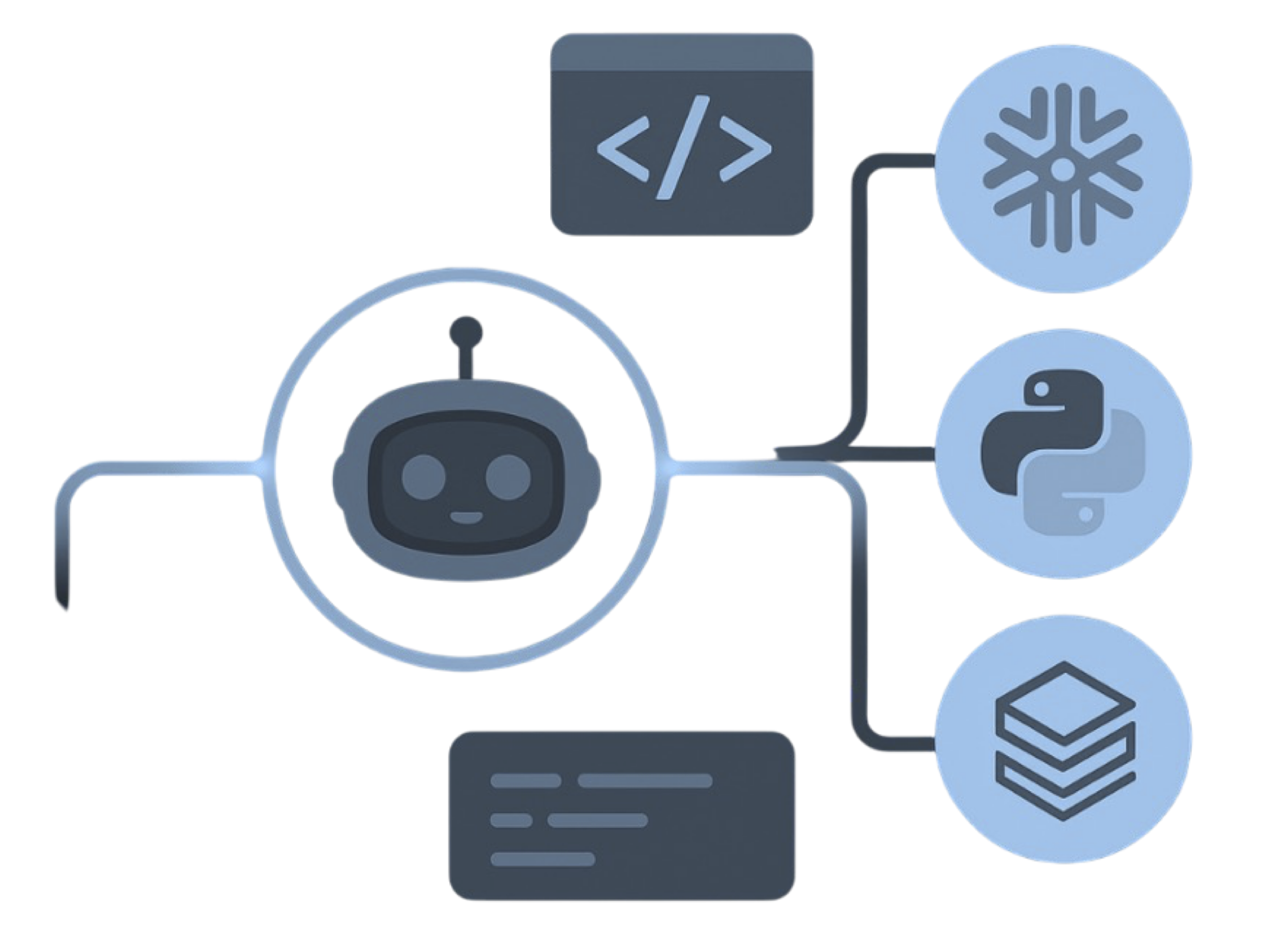
Deterministic parsers read the estate and emit native Databricks code — not Qlik apps re-pointed at a lakehouse.
Qlik → MigryX parser → PySpark + Delta + Workflows
 QlikSense apps.qvf / .qvwLoad script.qvs includesApplyMapLookup + joinQVD storeIntermediate filesMigryX Parser
 Deterministic parseAI optional
 Row-level parityBefore cutover
 PySpark emitSet-based, not loops
 Workflow emitJob DAGsDatabricksPySpark notebooksSet-based, not loopsDelta LakeACID + time travelWorkflowsReplaces reloadUnity CatalogColumn lineageRepos + DABsCI/CD promote
 MLflowWhere models live
AI is an optional add-on, off by default — the conversion runs end to end without it, air-gapped if your estate requires it.
Qlik mapping tables and RESIDENT loads run inside the associative engine. MigryX parses every ApplyMap, JOIN, and RESIDENT structurally and converts them to native PySpark DataFrame operations that run distributed across the cluster.
STORE ... INTO *.qvd writes a proprietary file the lakehouse cannot read. Databricks writes Delta. MigryX turns each STORE into a table write and each QVD LOAD into a table read so the intermediate layer is gone.
Qlik reload tasks chain apps linearly. Databricks Workflows provide DAG-based orchestration, parameterized runs, retry policies, and event-driven triggers natively.
A Qlik load script with a mapping load, a derived column, and a left join — converted to PySpark DataFrame joins and withColumn transformations. No Qlik engine, no QVD hop.
// App: Customer_Revenue_Segmentation
SET vMinAmount = 1000;

Tiers:
MAPPING LOAD CUST_ID, TIER_CODE
FROM [lib://QVD/customer_master.qvd] (qvd);

Txns:
LOAD
    CUST_ID,
    AMOUNT,
    ApplyMap('Tiers', CUST_ID, 'Standard') as SEGMENT
FROM [lib://QVD/transactions.qvd] (qvd)
WHERE AMOUNT > $(vMinAmount);

LEFT JOIN (Txns)
LOAD CUST_ID, TOTAL_SPEND
FROM [lib://QVD/customer_spend.qvd] (qvd);

Seg:
LOAD
    if(TOTAL_SPEND > 50000, 'Platinum',
      if(TOTAL_SPEND > 10000, 'Gold', SEGMENT)) as SEGMENT,
    Sum(AMOUNT) as SEGMENT_REVENUE,
    Count(CUST_ID) as CUSTOMER_COUNT
RESIDENT Txns
GROUP BY SEGMENT, TOTAL_SPEND;

STORE Seg INTO [lib://QVD/customer_segments.qvd] (qvd);
# ApplyMap + JOIN + STORE → PySpark
from pyspark.sql import functions as F

txns = spark.read.table("transactions") \
    .filter(F.col("amount") > 1000)
tiers = spark.read.table("customer_master") \
    .select("cust_id", "tier_code")
spend = spark.read.table("customer_spend")

segmented = (
    txns.join(tiers, "cust_id", "left")
    .join(spend, "cust_id", "left")
    .withColumn("segment",
        F.when(F.col("total_spend") > 50000, "Platinum")
         .when(F.col("total_spend") > 10000, "Gold")
         .otherwise(F.coalesce("tier_code", F.lit("Standard"))))
    .groupBy("segment")
    .agg(
        F.sum("amount").alias("segment_revenue"),
        F.count("*").alias("customer_count")
    )
)

segmented.write.format("delta").mode("overwrite") \
    .saveAsTable("customer_segments")
ApplyMap becomes a left join with coalesce. Nested if() becomes .when(). STORE to QVD becomes a Delta write with ACID guarantees.
| Qlik Construct | Databricks Equivalent | Notes |
|---|---|---|
| MAPPING + ApplyMap | .join().withColumn() | Default values become coalesce |
| JOIN / LEFT JOIN | .join() | Join keys preserved |
| RESIDENT + GROUP BY | .groupBy().agg() | All aggregate functions supported |
| WHERE / if() | .filter() / .when() | All predicate expressions preserved |
| CONCATENATE | unionByName() | Column alignment reported |
| LOAD FROM QVD / file | spark.read.table() / .csv() | Lib connects mapped |
| STORE ... INTO .qvd | Delta .write.format("delta") | ACID writes, QVD layer gone |
| SET / LET | Widget parameters | Environment configs externalized |
| $(Include=) / .qvs | Shared notebook | Reusable scripts stay modules |
| Peek / Previous | Window lag / lead | Row-to-row logic set-based |
| Reload task chain | Workflow task | App chaining → DAG orchestration |
| Section Access | Unity Catalog grants | Reduction rules extracted for review |
Data Matching compares Qlik load-script output against Databricks output — row by row, column by column. Send a .qvs or a .qvf and we prove the rewrite before cutover.
See how Data Matching works →The apps that own the load script. We unpack the script, variables, and lib connects. A running Qlik engine is not required.
Shared calendar, mapping, and connection scripts referenced by $(Include=...). Those stay reusable modules on Databricks.
Enough rows to prove parity. We do not convert the QVD format; we convert the STORE/LOAD statements that produce and consume it.