Legacy ETL platforms were built for an era of on-premise data warehouses, fixed-schema tables, and single-vendor ecosystems. SAS, Informatica PowerCenter, IBM DataStage, Talend, and SSIS each solved the data integration problem within their own paradigm. But the world has moved on. The target is no longer a proprietary database or a SAS dataset sitting on a shared file system. The target is an open data lakehouse, and Apache Iceberg is emerging as the definitive table format for that architecture.
This guide provides a practical, platform-by-platform walkthrough of migrating legacy ETL workloads to Apache Iceberg using MigryX's automated conversion engine. It covers source platform mapping, schema translation, partition strategy, code examples, and catalog registration.
Why Legacy ETL Targets Iceberg
Organizations running SAS, Informatica PowerCenter, IBM DataStage, or Talend face a compounding set of pressures. Licensing costs escalate annually, often by 5-15% per year, with no corresponding increase in capability. The talent pool for these platforms is shrinking as experienced developers retire and new graduates enter the workforce trained on Python, Spark, and SQL. Integration with modern cloud services (streaming, ML pipelines, real-time analytics) ranges from awkward to impossible.
Historically, migrating away from these platforms meant choosing a new proprietary vendor. Move from SAS to Snowflake. Move from Informatica to Databricks. The lock-in shifted, but it did not disappear. Iceberg changes this equation fundamentally. By targeting Iceberg as the output format, organizations gain a vendor-neutral storage layer that works with every major compute engine. The data is stored in open Parquet files described by open Iceberg metadata. If you decide to switch from Spark to Trino, or from Databricks to Snowflake, or from AWS to GCP, your data stays exactly where it is. No migration required.
The economic argument is equally compelling. Iceberg tables on object storage cost a fraction of proprietary database storage. Compute is elastic and priced by consumption. And the elimination of legacy license fees alone often funds the entire migration effort within the first year.

SAS to Apache Iceberg migration — automated end-to-end by MigryX
Source Platform Mapping
Each legacy ETL platform has its own programming model, data types, and transformation patterns. MigryX maps each to PySpark with Iceberg table output. Understanding these mappings provides clarity on what the automated conversion actually produces.
MigryX ingests workloads from SAS, Informatica, DataStage, Talend, SSIS, and other legacy platforms, converting them to Iceberg-native code. Each source platform presents unique parsing challenges — from SAS's implicit variable scoping to DataStage's proprietary .dsx format to Informatica's XML-based mappings. Regardless of the source, MigryX produces clean, idiomatic PySpark that writes to Iceberg tables with correct semantics and full lineage traceability.
MigryX: Idiomatic Code, Not Line-by-Line Translation
The difference between MigryX and manual migration is not just speed — it is code quality. MigryX generates idiomatic, platform-optimized code that leverages native features of your target platform. A SAS DATA step does not become a clunky row-by-row loop — it becomes a clean, vectorized DataFrame operation. A PROC SQL query does not become a literal translation — it becomes an optimized query that takes advantage of your platform’s pushdown capabilities.
Schema Mapping Considerations
Data type translation between legacy platforms and Iceberg is one of the most technically consequential aspects of migration. Incorrect type mapping causes silent precision loss, date calculation errors, and failed downstream analytics. MigryX handles all type translations automatically with explicit precision preservation, but understanding the mapping logic helps teams validate the output.
SAS Numeric to Iceberg
SAS stores all numeric values as 8-byte IEEE 754 floating-point numbers. This means that what looks like an integer in SAS (e.g., a customer ID) is actually a float with 15-16 digits of precision. MigryX automatically infers optimal Iceberg data types from legacy schemas, handling the nuanced type systems of each source platform — including SAS's universal NUMERIC type that can represent integers, decimals, dates, and datetimes.
SAS Character Encoding to Iceberg
SAS character columns have fixed widths defined at table creation (e.g., $40. for a 40-byte character column). The encoding depends on the SAS session encoding, which may be Latin1, UTF-8, or a locale-specific encoding. Iceberg strings are always UTF-8 with no fixed width. MigryX handles the transcoding automatically and strips trailing spaces that SAS pads into fixed-width fields.
SAS Dates to Iceberg
SAS stores dates as the number of days since January 1, 1960. SAS datetimes are stored as seconds since January 1, 1960. These numeric representations must be converted to Iceberg DATE and TIMESTAMP types. MigryX automatically detects date and datetime columns and generates the correct conversion expressions in PySpark, preserving temporal semantics across the migration.
Informatica & DataStage Types
Informatica's internal type system includes Decimal (with precision and scale), String (with length), Date/Time, and Binary types that map cleanly to Iceberg equivalents. DataStage uses similar typed metadata. MigryX preserves precision through the entire chain: source type to internal representation to Iceberg type specification.
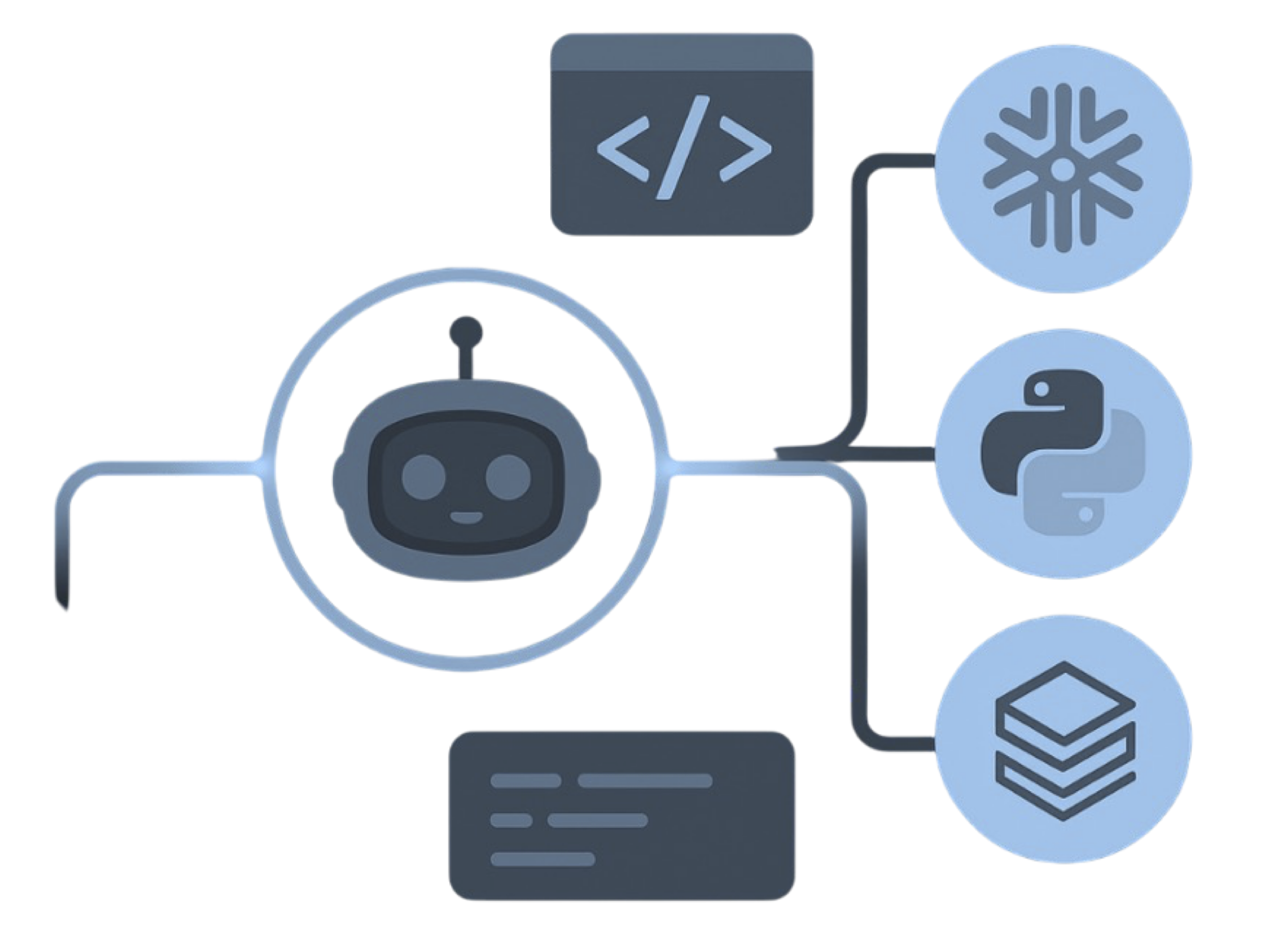
MigryX precision parser — Deep AST-level analysis ensures every construct is understood before conversion begins
Platform-Specific Optimization by MigryX
MigryX maintains deep knowledge of every target platform’s strengths and best practices. When converting to Snowflake, it leverages Snowpark and native SQL functions. When targeting Databricks, it uses PySpark DataFrame operations optimized for distributed execution. When generating dbt models, it follows dbt best practices for modularity and testability. This platform awareness is what makes MigryX output production-ready from day one.
Partition Strategy Translation
Legacy systems handle data partitioning in ways that are fundamentally different from Iceberg's hidden partitioning model. Understanding this difference is critical to generating performant Iceberg tables.
In SAS, "partitioning" often means date-stamped table names (SALES_202401, SALES_202402) or directory-based organization on a file system. In Informatica and DataStage, partitioning is typically a property of the target database (e.g., Oracle range partitioning, Teradata primary index distribution). In all cases, users must be explicitly aware of the partition scheme and account for it in their queries and load processes.
Iceberg's hidden partitioning inverts this model entirely. The partition specification is defined on the table, and the engine handles partition pruning transparently. Users query WHERE event_date BETWEEN '2024-01-01' AND '2024-01-31' and the engine automatically identifies the relevant partition files. No partition column appears in the query. No partition-aware code is needed in downstream consumers.
MigryX recommends partition strategies based on workload analysis, leveraging Iceberg's hidden partitioning to optimize query performance without requiring changes to downstream queries. The result is a partition specification tailored to each table's size, access patterns, and write cadence — decisions that would otherwise require deep Iceberg expertise and extensive profiling of production workloads.
Code Examples
Seeing the actual conversion output clarifies what automated migration to Iceberg looks like in practice.
SAS DATA Step to PySpark + Iceberg
Consider a SAS program that produces a monthly summary from a transactions table:
/* SAS */
data output.monthly_summary;
  set input.transactions;
  where month(txn_date) = &curr_month;
  total_amount = quantity * unit_price;
  if total_amount > 1000 then flag = 'HIGH';
  else flag = 'NORMAL';
  keep customer_id txn_date total_amount flag;
run;
MigryX generates production-ready Iceberg code with optimized table properties, compression settings, and write formats tailored to each workload's access patterns. The imperative, row-by-row logic of the DATA step becomes clean, declarative PySpark DataFrame operations that write directly to Iceberg tables.
SAS PROC SQL to Spark SQL + Iceberg
Consider a SAS aggregation query:
/* SAS */
proc sql;
  create table output.customer_agg as
  select customer_id,
         count(*) as order_count,
         sum(amount) as total_spend,
         max(order_date) as last_order
  from input.orders
  group by customer_id
  having sum(amount) > 500;
quit;
MigryX converts this to Spark SQL targeting an Iceberg catalog, preserving query semantics while adding Iceberg-specific table properties and partition specifications automatically. The output is a production-ready job — not a template that requires manual finishing.
Automated, Not Approximated
MigryX does not generate pseudo-code or templates. It produces production-ready PySpark that writes to Iceberg tables with correct type mappings, partition specs, and table properties. Every generated file includes validation queries for automated testing.
Catalog Registration & Validation
Converting code is only half the migration. The converted programs must produce tables that are properly registered in the Iceberg catalog and validated against legacy output.
Catalog Registration
After conversion, every output table is registered in the target Iceberg catalog. MigryX supports all major catalog implementations:
- AWS Glue Data Catalog: Tables are registered via the Glue API and accessible from Athena, EMR, Redshift Spectrum, and any engine that reads the Glue catalog.
- Nessie: Git-like catalog that enables branching and tagging of table metadata. Ideal for development workflows where teams need isolated environments.
- Polaris: Snowflake's open-source Iceberg catalog implementation, supporting the REST catalog specification.
- REST Catalog: Any catalog that implements the Iceberg REST specification, providing maximum flexibility and portability.
- Unity Catalog: Databricks' unified governance layer, which supports Iceberg tables alongside Delta tables.
For each table, MigryX generates catalog registration code that includes the full schema definition, partition specification, table properties (compression, write format, sort order), and column-level lineage metadata stored as table properties or catalog tags.
Validation
MigryX generates a validation suite for every converted program. The validation compares legacy SAS output (or Informatica/DataStage target data) against the Iceberg table contents across multiple dimensions:
- Row count comparison: The most basic check. If the legacy output has 1,234,567 rows, the Iceberg table must have 1,234,567 rows.
- Aggregate comparison: Sums, averages, min/max values for every numeric column are compared between legacy and Iceberg output. Tolerances are configurable (e.g., 0.01 for financial data, 0.001 for scientific data).
- Schema verification: Column names, data types, nullability, and ordering are verified against the expected schema contract.
- Sample-based cell comparison: A configurable sample (default 10,000 rows) is compared cell-by-cell between legacy and Iceberg output. This catches type conversion issues, encoding problems, and precision loss that aggregate checks might miss.
- Referential integrity: For tables with known foreign key relationships, MigryX validates that referential integrity is preserved in the Iceberg output.
Validation results are output as structured reports (JSON and HTML) that can be reviewed by engineers and signed off by business owners. Failed validations include detailed diagnostics showing exactly which rows and columns differ, enabling rapid debugging.
The combination of automated code conversion, catalog registration, and comprehensive validation transforms what would otherwise be a multi-year manual effort into a systematic, auditable, and repeatable process. Each legacy program enters the MigryX pipeline as source code and exits as a validated, Iceberg-native PySpark job registered in your catalog of choice.
Why MigryX Delivers Superior Migration Results
The challenges described throughout this article are exactly what MigryX was built to solve. Here is how MigryX transforms this process:
- Production-ready output: MigryX generates code that passes code review and runs in production — not prototype-quality output that needs weeks of cleanup.
- Platform optimization: Converted code leverages target platform-specific features for maximum performance and cost efficiency.
- 25+ source technologies: Whether migrating from SAS, Informatica, DataStage, SSIS, or any of 25+ legacy technologies, MigryX handles it.
- Automated documentation: Every conversion decision is documented with before/after code mappings and transformation rationale.
MigryX combines precision AST parsing with Merlin AI to deliver 99% accurate, production-ready migration — turning what used to be a multi-year manual effort into a streamlined, validated process. See it in action.
Ready to migrate legacy ETL to Apache Iceberg?
See how MigryX converts SAS, Informatica, DataStage, and Talend to Iceberg-native PySpark automatically.
Schedule a Demo