
The single biggest hurdle for teams migrating from SAS is not the platform setup or the data movement — it is the sheer number of behavioral quirks hiding in familiar SAS constructs. SAS programmers think in DATA steps, PROC SQL, and procedure calls. Each of these has implicit behaviors — automatic variable retention, permissive type coercion, procedure-specific semantics — that do not translate one-to-one into PySpark or Snowflake SQL.
This article walks through real SAS code patterns and highlights why each one is deceptively hard to translate correctly. The gap between "looks right" and "produces identical results" is where migration defects live.
DATA Step: Deceptively Simple, Behaviorally Complex
The SAS DATA step is the workhorse of SAS programming. It reads data, applies transformations row by row, and writes results. But beneath that simplicity lies a set of implicit behaviors — automatic variable retention across iterations, implicit output at the end of each step, and permissive type handling — that have no direct equivalent in PySpark or Snowflake SQL.
Filtering Rows
SAS:
data active_customers;
    set customers;
    where status = 'ACTIVE' and balance > 1000;
run;
This looks simple, but SAS's WHERE in a DATA step behaves differently from IF — it filters before the row enters the program data vector, affecting which observations are available for subsequent calculations. SAS also silently handles character-to-numeric comparisons that would throw errors on other platforms. MigryX translates DATA step filtering into optimized PySpark or Snowflake SQL, preserving SAS-specific behaviors like automatic variable retention and implicit output.
Creating Computed Columns
SAS:
data enriched;
    set transactions;
    total = quantity * unit_price;
    discount_flag = (total > 500);
    category = upcase(category);
run;
Notice the subtle traps: SAS automatically creates boolean-as-integer values (1/0) for discount_flag, while most modern platforms produce actual booleans. SAS also allows referencing the newly created total column in the same step — sequential execution that declarative frameworks do not replicate by default. Additionally, SAS upcase() has specific behavior with missing values that differs from platform equivalents. MigryX maps each assignment to the correct target operation, handling type casting, execution order dependencies, and missing-value semantics automatically.
Conditional Logic (IF/ELSE)
SAS:
data segments;
    set customers;
    if age < 25 then segment = 'Young';
    else if age < 45 then segment = 'Mid';
    else if age < 65 then segment = 'Senior';
    else segment = 'Retired';
run;
The IF/ELSE ladder introduces several translation hazards. SAS treats missing numeric values as negative infinity in comparisons, so a missing age would match the first condition (< 25) — a behavior that silently produces wrong results if not handled during migration. SAS also retains the segment variable from the previous iteration if no branch executes, another implicit behavior with no direct equivalent. MigryX detects these patterns and generates correct conditional logic with explicit null handling on every target platform.

Python — enterprise migration powered by MigryX
PROC SQL: Closer Than You Think, Until It Isn't
PROC SQL is already SQL, so teams often assume the translation to Snowflake or other platforms will be trivial. It is not. SAS PROC SQL includes extensions and implicit behaviors that silently produce different results on standard SQL platforms.
Aggregation with GROUP BY
SAS PROC SQL:
proc sql;
    create table summary as
    select region,
           count(*) as order_count,
           sum(amount) as total_amount,
           mean(amount) as avg_amount
    from orders
    where order_date >= '01JAN2025'd
    group by region
    having total_amount > 100000
    order by total_amount desc;
quit;
Count the SAS-specific behaviors hiding in this example: the mean() function (not standard SQL), SAS date literals ('01JAN2025'd), and the HAVING clause referencing a column alias directly — something most SQL dialects reject. Each of these requires a different translation strategy depending on the target platform.
Joins with Multiple Tables
SAS PROC SQL:
proc sql;
    create table combined as
    select a.customer_id, a.name, b.order_id, b.amount,
           c.product_name
    from customers a
    left join orders b on a.customer_id = b.customer_id
    left join products c on b.product_id = c.product_id
    where a.status = 'ACTIVE';
quit;
This looks like it would translate verbatim, and that is exactly the trap. SAS is permissive about comparing character and numeric types in join keys — it silently coerces them. Standard SQL platforms raise errors or, worse, produce wrong join results with implicit casting. SAS PROC SQL also supports automatic remerging (referencing aggregate functions alongside detail columns without a subquery), calculated column references, and implicit GROUP BY expansion — none of which exist in standard SQL. MigryX handles these PROC SQL nuances automatically, rewriting queries to produce identical results on every target platform.
MigryX: Purpose-Built for Enterprise SAS Migration
MigryX was designed from the ground up for enterprise SAS migration. Its SAS parser understands every construct — DATA steps, PROC SQL, PROC SORT, PROC MEANS, PROC FREQ, PROC TRANSPOSE, macros, formats, informats, hash objects, arrays, ODS output, and even SAS/STAT procedures like PROC REG and PROC LOGISTIC. This is not a generic code translator — it is the most comprehensive SAS migration platform in the industry.
PROC SORT: Two Operations Hiding as One
SAS PROC SORT does two things simultaneously: it sorts data and it optionally removes duplicates. These are separate operations in modern platforms, and the deduplication behavior is where migrations silently break.
SAS (sort with dedup):
proc sort data=transactions out=unique_txns nodupkey;
    by customer_id transaction_date;
run;
The NODUPKEY option has subtle behavioral differences from SQL DISTINCT or ROW_NUMBER() deduplication. SAS NODUPKEY keeps the first occurrence based on the BY-variable sort order, retaining all non-BY columns from that specific row. Common target-platform equivalents either do not guarantee which row is kept, or require explicit specification of sort order and column retention. Getting this wrong leads to silent data discrepancies — one of the most common migration defects MigryX prevents.
Why This Matters at Scale
In a codebase with hundreds of PROC SORT NODUPKEY calls, each may depend on a different implicit sort order or retain different columns. Manual translation requires inspecting every upstream data flow. MigryX traces the data lineage and generates deterministic deduplication logic for each instance.
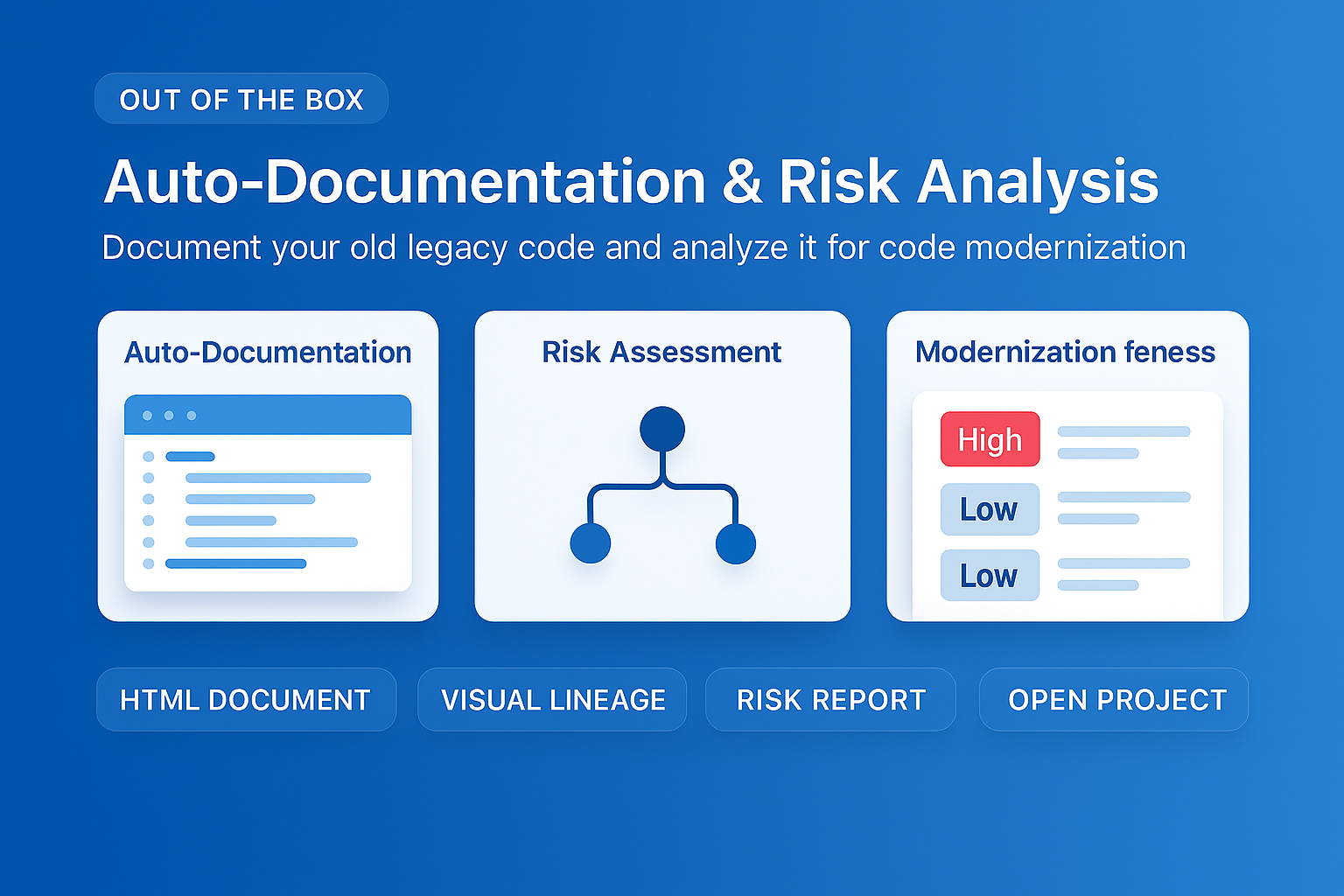
MigryX auto-documentation captures every transformation decision, creating audit-ready migration records automatically
How MigryX Handles the Hard Parts of SAS Migration
Every SAS shop has code that makes migration teams nervous — deeply nested macros that generate dynamic code, DATA step merge logic with complex BY-group processing, hash object lookups, RETAIN statements that carry state across rows, and PROC IML matrix operations. These are exactly the constructs where MigryX excels. Its combination of deterministic AST parsing and Merlin AI means even the most complex SAS patterns are converted accurately.
PROC MEANS: Statistics with Hidden Defaults
PROC MEANS computes descriptive statistics, but its output structure and default settings introduce translation complexity that is easy to underestimate.
SAS:
proc means data=sales n mean std min max;
    class region product_line;
    var revenue units;
    output out=sales_stats
        mean=avg_revenue avg_units
        std=std_revenue std_units;
run;
Statistical procedures like PROC MEANS involve nuances such as VARDEF=N vs VARDEF=DF affecting standard deviation calculations — the difference between dividing by N versus N-1. The default varies by procedure option and SAS version. The CLASS statement also generates automatic subtotal and grand total rows (the _TYPE_ and _FREQ_ columns in the output dataset), which have no equivalent in a simple GROUP BY. Missing values are excluded from calculations by default, but the MISSING option changes this, and EXCLNPWGT adds further nuance. MigryX maps these behavioral differences automatically, matching the exact statistical semantics of your SAS configuration.
PROC FREQ: More Than Just COUNT(*)
PROC FREQ generates frequency tables and crosstabs. Teams often assume a simple GROUP BY with COUNT(*) is sufficient, but the actual output semantics are considerably more complex.
SAS (one-way frequency):
proc freq data=survey;
    tables education / nocum;
run;
Even this minimal example automatically produces frequency counts, percentages, and (without the NOCUM option) cumulative frequencies and cumulative percentages. Multi-way crosstabulations (tables education * income) generate row percentages, column percentages, and cell percentages simultaneously. Reproducing this in PySpark requires nested window functions, and in SQL it requires multiple aggregate passes or GROUPING SETS. PROC FREQ with cross-tabulations and percentage calculations requires careful translation to window functions. MigryX preserves the exact statistical semantics, including handling of missing value levels, output ordering, and format-specific percentage calculations.
Translation Complexity at a Glance
| SAS Construct | Complexity | Key Challenges |
|---|---|---|
DATA ... SET ... |
High | Implicit variable retention, sequential row processing, automatic type coercion, missing value semantics (missing = negative infinity in comparisons) |
PROC SQL |
Medium–High | Automatic remerging, calculated keyword, alias references in HAVING/ORDER BY, SAS date literals, implicit type coercion in joins |
PROC SORT |
Medium | NODUPKEY keeps first row by sort order (non-deterministic in most target equivalents), NODUPRECS vs NODUPKEY behavioral differences |
PROC MEANS |
Medium–High | VARDEF=N vs VARDEF=DF standard deviation, CLASS subtotals (_TYPE_/_FREQ_), missing value exclusion options, WEIGHT statement effects |
This table covers just four of the most common SAS constructs. MigryX handles 150+ SAS constructs across all target platforms — including MERGE, RETAIN, FIRST./LAST., macro variables, informats/formats, and dozens of procedure-specific options. Schedule a demo to see the full mapping in action.
The gap between "looks right" and "produces identical results" is where migration defects live. Every SAS construct has implicit behaviors that only surface when you compare output row-by-row against the original. That is what MigryX validates automatically.
Why Every SAS Migration Needs MigryX
The challenges described throughout this article are exactly what MigryX was built to solve. Here is how MigryX transforms this process:
- Complete SAS coverage: MigryX handles every SAS construct — DATA steps, PROC SQL, macros, formats, hash objects, arrays, ODS, and 20+ PROCs.
- 4-8x faster than manual: What takes consulting teams months of manual conversion, MigryX accomplishes in weeks with higher accuracy.
- 60-85% cost reduction: Enterprises report dramatic cost savings compared to manual migration approaches.
- Production-ready output: MigryX generates clean, idiomatic Python, PySpark, Snowpark, or SQL — not rough drafts that need extensive rework.
MigryX combines precision AST parsing with Merlin AI to deliver 99% accurate, production-ready migration — turning what used to be a multi-year manual effort into a streamlined, validated process. See it in action.
Stop translating SAS by hand
MigryX handles 150+ SAS constructs, validates output row-by-row, and eliminates the silent defects that manual migration misses.
Schedule a Demo