For decades, SAS has served as the backbone of enterprise analytics pipelines. Data was extracted from source systems, transformed through DATA steps and PROCs on a SAS server, and then loaded into reporting layers. This Extract-Transform-Load (ETL) model worked because compute was expensive and centralized. But the economics of cloud computing have inverted that logic entirely.
Modern platforms like Snowflake and Databricks favor an Extract-Load-Transform (ELT) architecture. Raw data lands in cloud storage first, and transformations execute inside the platform using elastic compute. Understanding this fundamental architectural shift is critical for any team migrating away from SAS. This article provides a concrete blueprint for making that transition.
The Fundamental Shift: ETL to ELT
In a traditional SAS ETL pipeline, the SAS server is the center of gravity. It reads data from databases, flat files, or mainframes, processes it through a sequence of DATA steps and PROC calls, and writes results to target tables or files. The SAS server's memory and CPU capacity constrain the entire pipeline.
In an ELT architecture, the pipeline looks different:
- Extract & Load: Raw data is ingested into cloud storage (S3, ADLS, GCS) or directly into Snowflake stages or Databricks Delta Lake tables. No transformation happens at this stage.
- Transform: Transformations run inside the cloud platform using SQL, PySpark, Snowpark Python, or dbt models. The platform scales compute elastically to match the workload.
- Serve: Transformed data is made available to BI tools, APIs, and downstream consumers directly from the platform.
The key insight is that storage and compute are decoupled. You pay for storage at pennies per terabyte per month, and you scale compute up or down in seconds. This changes every optimization decision you made in SAS.

MigryX — Enterprise platform for modernizing legacy analytics and ETL at scale
Data Ingestion Patterns
In SAS, data ingestion typically involved LIBNAME engines pointing to Oracle, Teradata, or DB2, or INFILE statements reading CSVs from a mounted file system. Migrating these patterns requires mapping each source to a cloud-native ingestion mechanism.
Batch Ingestion
- Database sources: Use Fivetran, Airbyte, or platform-native connectors (Snowflake Snowpipe, Databricks Auto Loader) to replicate tables into the target platform via change data capture (CDC).
- Flat files: Land files in cloud object storage and use external tables or COPY INTO commands to ingest them.
- Mainframe/legacy: Use specialized tools (Precisely, Qlik Replicate) to extract EBCDIC data and convert it to Parquet or CSV before landing.
Streaming Ingestion
If your SAS pipelines process near-real-time data, consider Kafka-based ingestion with Snowpipe Streaming or Databricks Structured Streaming. This replaces the pattern of polling SAS for new files on a short schedule.
MigryX: Idiomatic Code, Not Line-by-Line Translation
The difference between MigryX and manual migration is not just speed — it is code quality. MigryX generates idiomatic, platform-optimized code that leverages native features of your target platform. A SAS DATA step does not become a clunky row-by-row loop — it becomes a clean, vectorized DataFrame operation. A PROC SQL query does not become a literal translation — it becomes an optimized query that takes advantage of your platform’s pushdown capabilities.
Transformation Layer Architecture
The transformation layer is where SAS code gets replaced. The modern standard is a layered architecture, often called the medallion pattern on Databricks or a staged approach in Snowflake.
The Three-Layer Model
- Bronze / Raw: Exact copies of source data with no transformation. Preserves the raw record for auditability and reprocessing.
- Silver / Cleaned: Deduplicated, typed, and joined data. This is where most SAS DATA step merge logic and PROC SQL joins are replicated.
- Gold / Business: Aggregated, business-ready datasets optimized for consumption. This is where PROC MEANS, PROC FREQ, and PROC TABULATE logic lands.
Why Layers Matter
In SAS, a single program might read raw data, clean it, join it, aggregate it, and produce a report. That monolithic pattern makes debugging and reuse difficult. The layered approach separates concerns, enabling independent testing, incremental processing, and clear data contracts between teams.
SAS Procedure Equivalents
One of the most practical questions during migration is: "What replaces my PROC?" The table below maps the most common SAS procedures to their Snowflake SQL, Snowpark Python, and PySpark equivalents.
| SAS Procedure | Snowflake SQL | Snowpark / PySpark |
|---|---|---|
PROC SQL | Native SQL | spark.sql() / session.sql() |
PROC SORT | ORDER BY | .orderBy() |
DATA step | SQL transforms / Snowpark | PySpark DataFrame operations |
PROC MEANS / SUMMARY | GROUP BY + aggregates | .groupBy().agg() |
PROC FREQ | COUNT(*) GROUP BY | .groupBy().count() |
MigryX handles 150+ SAS constructs with full behavioral fidelity.
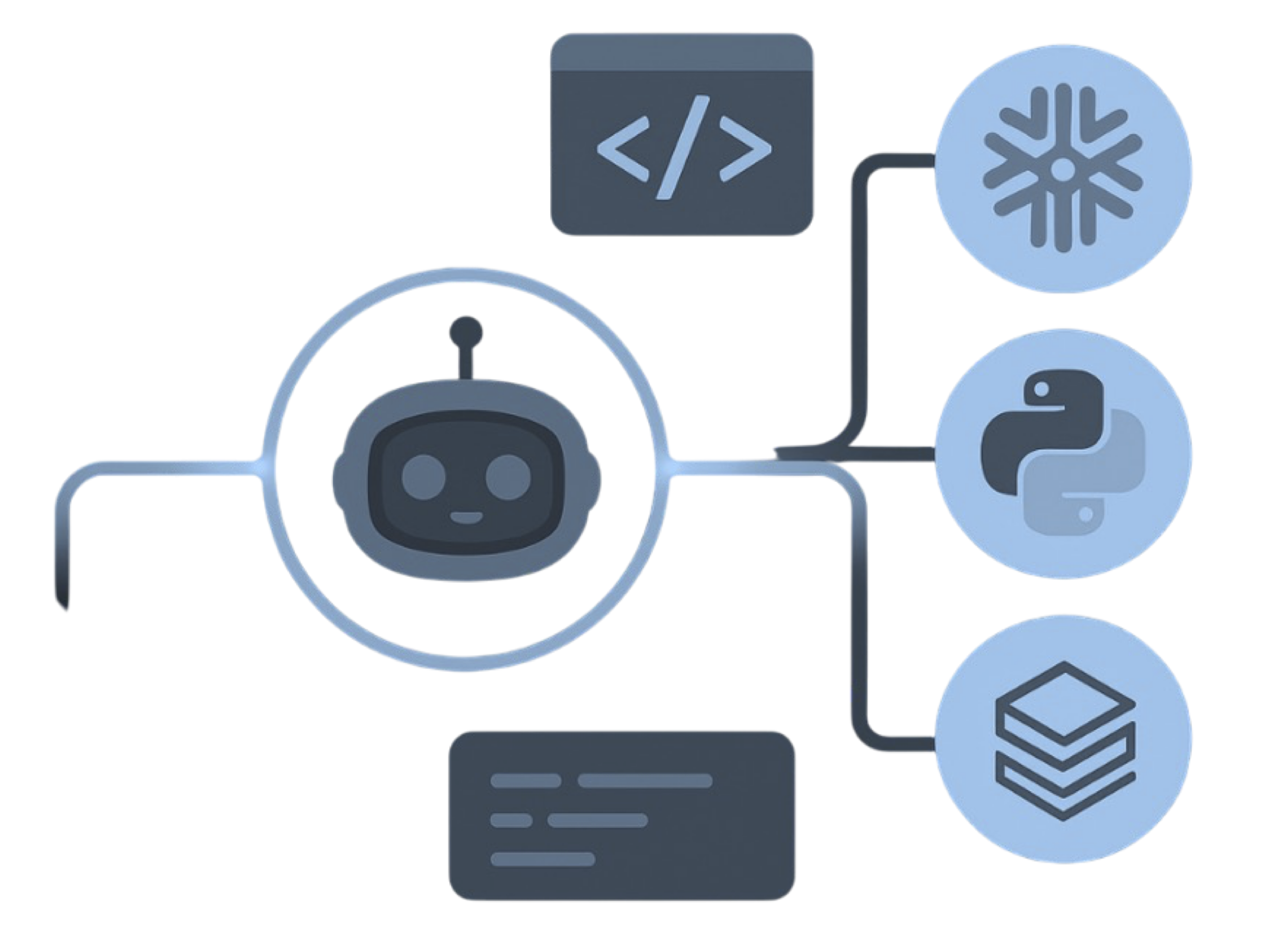
MigryX precision parser — Deep AST-level analysis ensures every construct is understood before conversion begins
Platform-Specific Optimization by MigryX
MigryX maintains deep knowledge of every target platform’s strengths and best practices. When converting to Snowflake, it leverages Snowpark and native SQL functions. When targeting Databricks, it uses PySpark DataFrame operations optimized for distributed execution. When generating dbt models, it follows dbt best practices for modularity and testability. This platform awareness is what makes MigryX output production-ready from day one.
Orchestration: Replacing the SAS Scheduler
SAS environments commonly rely on SAS Management Console, LSF, or external schedulers like Control-M. The target platform needs an equivalent orchestration layer that handles dependency management, retry logic, and alerting.
Options by Platform
- Snowflake: Snowflake Tasks for simple linear chains; Snowflake plus dbt Cloud for SQL-centric transformation DAGs; Apache Airflow for complex cross-platform orchestration.
- Databricks: Databricks Workflows (Jobs) for native notebook and Python orchestration; Airflow or Dagster for teams with existing orchestration investments.
Key Orchestration Requirements
- Dependency-aware DAG execution with automatic retries on transient failures.
- Parameterized runs supporting date ranges, environment flags, and partition keys.
- Alerting via email, Slack, or PagerDuty on failure or SLA breach.
- Audit logging for every run, including start time, end time, row counts, and exit codes.
Handling SAS-Specific Semantics
Several SAS behaviors have no direct equivalent in SQL or PySpark. Ignoring these differences is a common source of validation failures.
Missing Values
SAS treats missing numeric values as negative infinity for sorting and comparison. SQL platforms handle NULLs differently, and these differences can produce subtle validation failures.
Automatic Retain
SAS DATA step variables are automatically retained across iterations. Modern DataFrame-based platforms are stateless, requiring a fundamentally different approach to row-over-row logic.
Character Padding
SAS pads character variables to their declared length with trailing spaces, while SQL VARCHAR does not. This can cause join mismatches and comparison failures.
Formats and Informats
SAS formats control display rendering, not storage. Format-dependent logic and custom format catalogs both require careful translation to their platform-native equivalents.
Each of these requires platform-specific handling that MigryX automates.
MigryX Handles the Edge Cases
MigryX's conversion engine has built-in rules for SAS missing-value semantics, retain logic, character padding, and format resolution. These are the details that break migrations when handled manually.
A Practical Migration Sequence
Given the complexity above, we recommend the following sequence for converting a typical SAS ETL pipeline:
- Migrate data ingestion first. Get raw data flowing into the target platform so you can test transformations against real data immediately.
- Convert PROC SQL programs next. These have the highest direct-translation fidelity and build team confidence early.
- Tackle DATA step logic in the silver layer. This is where most complexity lives. Convert merge, retain, and array logic methodically.
- Implement aggregation and reporting in the gold layer. Replace PROC MEANS, FREQ, and TABULATE with SQL aggregations or PySpark groupBy.
- Wire up orchestration last. Once individual programs are validated, connect them into a scheduled DAG and run parallel execution against the SAS pipeline.
The shift from SAS ETL to cloud ELT is more than a technology swap. It is an architectural modernization that, when done right, delivers faster development cycles, lower operating costs, and a platform that scales with your data. The blueprint above provides a concrete path from where you are to where you need to be.
Why MigryX Delivers Superior Migration Results
The challenges described throughout this article are exactly what MigryX was built to solve. Here is how MigryX transforms this process:
- Production-ready output: MigryX generates code that passes code review and runs in production — not prototype-quality output that needs weeks of cleanup.
- Platform optimization: Converted code leverages target platform-specific features for maximum performance and cost efficiency.
- 25+ source technologies: Whether migrating from SAS, Informatica, DataStage, SSIS, or any of 25+ legacy technologies, MigryX handles it.
- Automated documentation: Every conversion decision is documented with before/after code mappings and transformation rationale.
MigryX combines precision AST parsing with Merlin AI to deliver 99% accurate, production-ready migration — turning what used to be a multi-year manual effort into a streamlined, validated process. See it in action.
Ready to modernize your legacy code?
See how MigryX automates migration with precision, speed, and trust.
Schedule a Demo