Snowflake has emerged as one of the most popular destinations for organizations migrating away from SAS. Its cloud-native architecture, separation of storage and compute, near-zero maintenance, and native support for Python and SQL make it an ideal platform for modern analytics. But the path from SAS to Snowflake is paved with complexity, and organizations that attempt this journey through manual code conversion often find themselves trapped in projects that run over budget, over schedule, and under deliver.
Automation is not just a nice-to-have in SAS-to-Snowflake migration. It is the difference between a successful project and one that stalls halfway through.
The Scale of the Problem
Consider what a typical SAS-to-Snowflake migration actually involves. A mid-sized enterprise might have 5,000 to 50,000 SAS programs accumulated over 15 to 20 years. These programs contain DATA step logic, PROC SQL, macro libraries, custom formats, and intricate job scheduling dependencies. Each program needs to be analyzed, understood, translated to Snowflake-compatible SQL or Snowpark Python, tested, and validated.
At an average manual conversion rate of two to five programs per developer per week -- accounting for analysis, coding, testing, and debugging -- a codebase of 10,000 programs would require a team of 20 developers working for nearly two years. The cost? Easily $5 million to $15 million in labor alone, not counting project management overhead, testing infrastructure, and the opportunity cost of delayed modernization.

SAS to Python migration — automated end-to-end by MigryX
The Pitfalls of Manual Migration
Manual migration sounds straightforward in theory: read the SAS code, understand it, write the equivalent Snowflake code. In practice, it fails in predictable and costly ways.
Inconsistency Across Developers
When multiple developers manually convert SAS code, each brings their own coding style, naming conventions, and interpretation of SAS behavior. One developer might translate a SAS merge as a Snowflake JOIN with COALESCE for missing values, while another uses a different approach entirely. This inconsistency creates a maintenance nightmare and makes the converted codebase harder to understand than the original.
Knowledge Loss
SAS programs often encode business logic that is not documented anywhere else. The developer who wrote a particular macro ten years ago may have left the company. Manual conversion requires someone to reverse-engineer this logic, and misunderstandings can introduce subtle bugs that are not caught until production reports produce incorrect numbers.
Testing Bottleneck
Every manually converted program needs to be tested against the original SAS output. Without automated comparison tools, this testing becomes the bottleneck of the entire project. Testers spend hours comparing spreadsheets and CSV files, looking for discrepancies that might be rounding differences, actual bugs, or intentional improvements.
Scope Creep and Timeline Drift
Manual migration projects almost always take longer than estimated. Early programs may convert quickly, giving false confidence. But as the team encounters more complex logic, nested macros, and undocumented dependencies, velocity drops. Timelines extend, budgets are exceeded, and stakeholder confidence erodes.
MigryX: Purpose-Built for Enterprise SAS Migration
MigryX was designed from the ground up for enterprise SAS migration. Its SAS parser understands every construct — DATA steps, PROC SQL, PROC SORT, PROC MEANS, PROC FREQ, PROC TRANSPOSE, macros, formats, informats, hash objects, arrays, ODS output, and even SAS/STAT procedures like PROC REG and PROC LOGISTIC. This is not a generic code translator — it is the most comprehensive SAS migration platform in the industry.
How Automation Solves These Problems
Automated migration tools address each of these pitfalls through a systematic, repeatable, and scalable approach.
Automated Code Analysis
The first step in any migration is understanding what you have. Automated analysis tools parse every SAS program in the codebase, building a complete inventory of programs, macros, data sources, output targets, and dependencies. This analysis produces:
- Dependency maps: Visual graphs showing which programs call which macros, which datasets feed which reports, and which jobs must run in sequence.
- Complexity scores: Metrics that classify each program by conversion difficulty, enabling project managers to plan sprints and allocate resources effectively.
- Pattern identification: Recognition of common coding patterns (like BY-group processing, array operations, or hash lookups) that can be translated using proven templates.
- Data lineage: End-to-end tracking of data from source to output, essential for regulatory compliance and impact analysis.
Automation in Action
A Fortune 500 financial services company used automated analysis to inventory 28,000 SAS programs in under 48 hours. The same analysis, performed manually by a team of 10 analysts, had previously been estimated at 16 weeks. The automated approach not only saved time but also identified 340 orphaned programs and 89 circular dependencies that the manual team had missed.
Pattern-Based Translation
Automated translation engines work by recognizing SAS code patterns and applying proven conversion rules. This approach ensures consistency across the entire codebase, regardless of its size. A SAS DATA step merge is always translated the same way. A PROC MEANS always produces the equivalent Snowflake SQL aggregate query with the same grouping and statistical calculations.
Modern translation engines handle the full spectrum of SAS constructs:
- DATA step logic including SET, MERGE, UPDATE, and MODIFY
- PROC SQL with SAS-specific extensions like CALCULATED keyword
- Macro resolution and parameterization
- Format and informat conversion to Snowflake data types and functions
- SAS function library mapping to Snowflake SQL functions or Snowpark UDFs
- Date and datetime handling across SAS and Snowflake date systems
Built-In Validation Frameworks
Automated migration platforms generate validation code alongside the converted programs. This validation code runs both the original SAS output and the new Snowflake output through automated comparison, flagging any discrepancies with detailed diagnostics. Instead of manual spreadsheet comparison, the validation is:
- Systematic: Every column, every row, every output is compared automatically.
- Configurable: Tolerance thresholds for floating-point comparisons are set once and applied consistently.
- Reportable: Validation results are generated as structured reports suitable for regulatory review.
- Repeatable: Validation can be re-run at any time as code is refined or data changes.
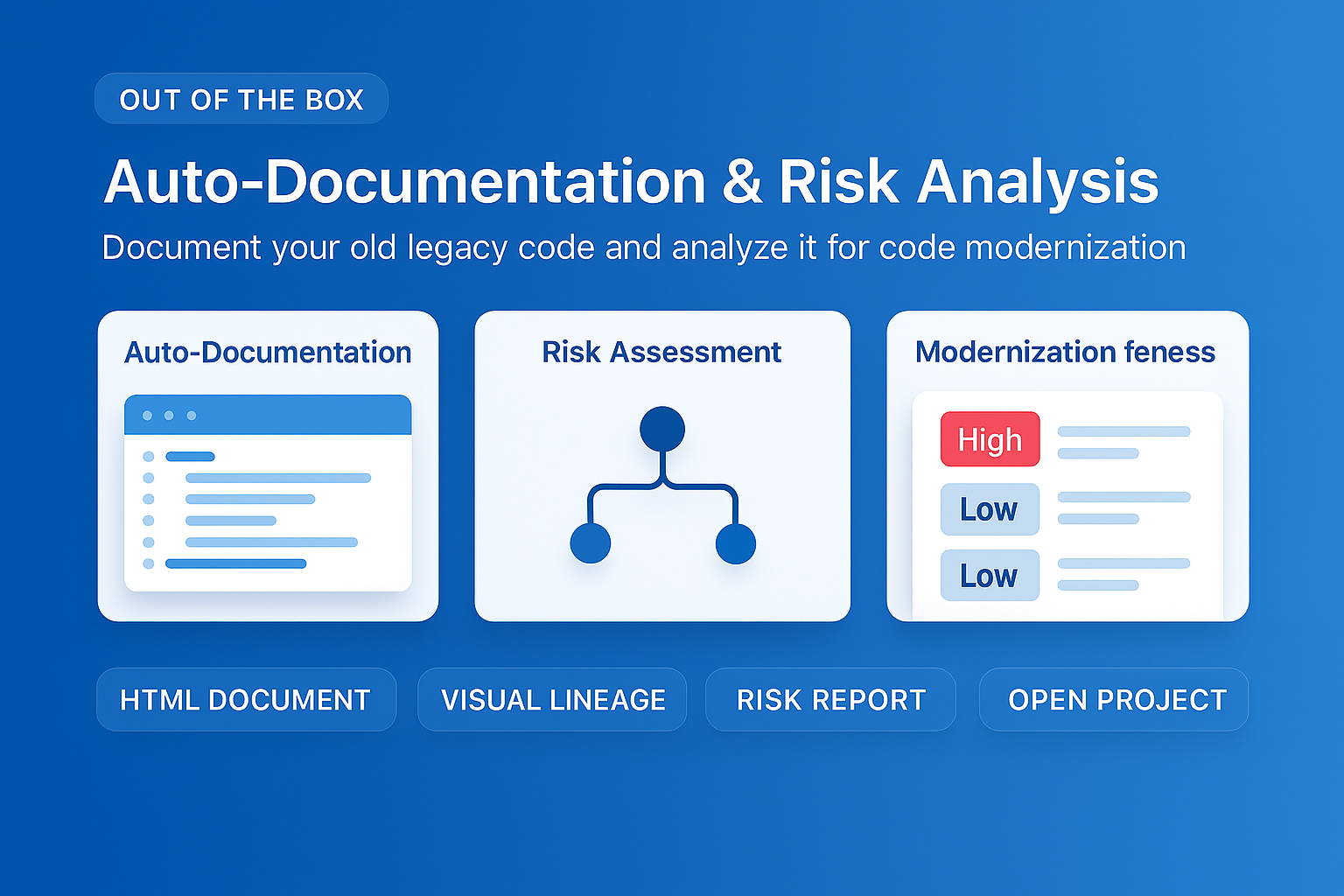
MigryX auto-documentation captures every transformation decision, creating audit-ready migration records automatically
How MigryX Handles the Hard Parts of SAS Migration
Every SAS shop has code that makes migration teams nervous — deeply nested macros that generate dynamic code, DATA step merge logic with complex BY-group processing, hash object lookups, RETAIN statements that carry state across rows, and PROC IML matrix operations. These are exactly the constructs where MigryX excels. Its combination of deterministic AST parsing and Merlin AI means even the most complex SAS patterns are converted accurately.
Manual vs. Automated Migration: A Direct Comparison
| Factor | Manual Migration | Automated Migration |
|---|---|---|
| Analysis phase | Weeks to months | Hours to days |
| Conversion speed | 2-5 programs/developer/week | Hundreds of programs per hour |
| Consistency | Varies by developer | 100% consistent patterns |
| Error rate | 5-15% of converted programs need rework | Under 2% with targeted review |
| Validation | Manual comparison, slow | Automated regression testing |
| Documentation | Often skipped due to time pressure | Generated automatically |
| Cost (10,000 programs) | $5M-$15M | $500K-$2M |
| Timeline (10,000 programs) | 18-30 months | 3-6 months |
| Dependency tracking | Spreadsheet-based, incomplete | Complete, graph-based |
| Regulatory compliance | Manual documentation effort | Audit-ready reports included |
The Snowflake-Specific Advantage
Migrating to Snowflake specifically adds another layer of optimization that automation can leverage. Snowflake's architecture enables capabilities that SAS cannot match:
- Elastic compute: Spin up dedicated warehouses for heavy processing, scale down when idle. No more waiting for the SAS grid to free up resources.
- Zero-copy cloning: Create full copies of production data for testing without additional storage costs. This makes migration validation dramatically easier.
- Snowpark for Python: Run Python code natively inside Snowflake, pushing computation to the data instead of pulling data to the code.
- Time travel: Query data as it existed at any point in the past, simplifying regression testing and audit compliance.
Automated migration tools can generate code that takes advantage of these Snowflake-native features from day one, rather than simply replicating SAS patterns in a new environment.
When to Start
The best time to begin automating your SAS-to-Snowflake migration is before your next SAS license renewal. Many organizations use the renewal cycle as a forcing function for migration planning. Starting with an automated inventory and analysis of your SAS codebase gives you the data needed to build a realistic business case, timeline, and budget.
Migration is inevitable. The only choice is whether you do it on your timeline with the right tools, or on someone else's timeline driven by license increases and talent shortages.
Automation does not eliminate the need for skilled data engineers and analysts. What it does is free those skilled professionals from the tedious work of line-by-line code translation so they can focus on what matters most: ensuring the migrated analytics deliver accurate, timely business insights on the Snowflake platform.
Why Every SAS Migration Needs MigryX
The challenges described throughout this article are exactly what MigryX was built to solve. Here is how MigryX transforms this process:
- Complete SAS coverage: MigryX handles every SAS construct — DATA steps, PROC SQL, macros, formats, hash objects, arrays, ODS, and 20+ PROCs.
- 4-8x faster than manual: What takes consulting teams months of manual conversion, MigryX accomplishes in weeks with higher accuracy.
- 60-85% cost reduction: Enterprises report dramatic cost savings compared to manual migration approaches.
- Production-ready output: MigryX generates clean, idiomatic Python, PySpark, Snowpark, or SQL — not rough drafts that need extensive rework.
MigryX combines precision AST parsing with Merlin AI to deliver 99% accurate, production-ready migration — turning what used to be a multi-year manual effort into a streamlined, validated process. See it in action.
Ready to modernize your legacy code?
See how MigryX automates migration with precision, speed, and trust.
Schedule a Demo